If your team keeps saying “we want local AI” but no one wants a fragile stack, Ollama is still one of the shortest paths from idea to working system in 2026. The product now frames itself as both local-first and cloud-extendable: run models on your own hardware by default, then burst to larger cloud models when workloads get heavy. This guide covers what Ollama actually gives you today, how to set it up across operating systems, how pricing works, which model families show up in the public index, and what hardware reality looks like before you promise performance to stakeholders.
What Ollama is (and is not)
On its homepage, Ollama positions itself as “the easiest way to build with open models” and leans hard on developer convenience: one-line install for terminal users, downloadable apps, and direct app launches like ollama launch openclaw. The strategic message is clear: start local, scale with cloud when your local box becomes the bottleneck.
What it is: a practical runtime + distribution layer for open models, with CLI/API/Desktop surfaces and an expanding integration ecosystem. What it is not: a magic performance layer that makes weak hardware act like datacenter GPUs. You still need to size model families against VRAM, RAM, and concurrency.
For broader model selection context, see Top Local Models List — April 2026. This page focuses on the platform mechanics, not ranking every model in the ecosystem.
Setup on macOS, Linux, and Windows
Ollama’s own quick path is the familiar shell installer:
curl -fsSL https://ollama.com/install.sh | shOr use the direct download path from the same site.
macOS setup (recommended first path)
- Install via shell command above or download the desktop app from the official site.
- Verify CLI is available, then run a small model first to confirm runtime health.
- If you use Apple Silicon, test small-to-mid checkpoints before jumping to heavier families.
Linux setup (fastest for server-style workflows)
- Use the same shell installer from ollama.com.
- Validate service startup, then run one known model and one tool-enabled workflow.
- If using GPU acceleration, pin your driver/runtime stack before load testing.
Windows setup
- Use the official installer from the Download path on ollama.com.
- Confirm CLI/API behavior with a small model and one local app integration.
- Treat antivirus, path policy, and GPU driver state as first-day troubleshooting priorities.
Practical advice: after installation, test one chat-only model and one tools-enabled model. “It runs” and “it runs in your real workflow” are not the same milestone.
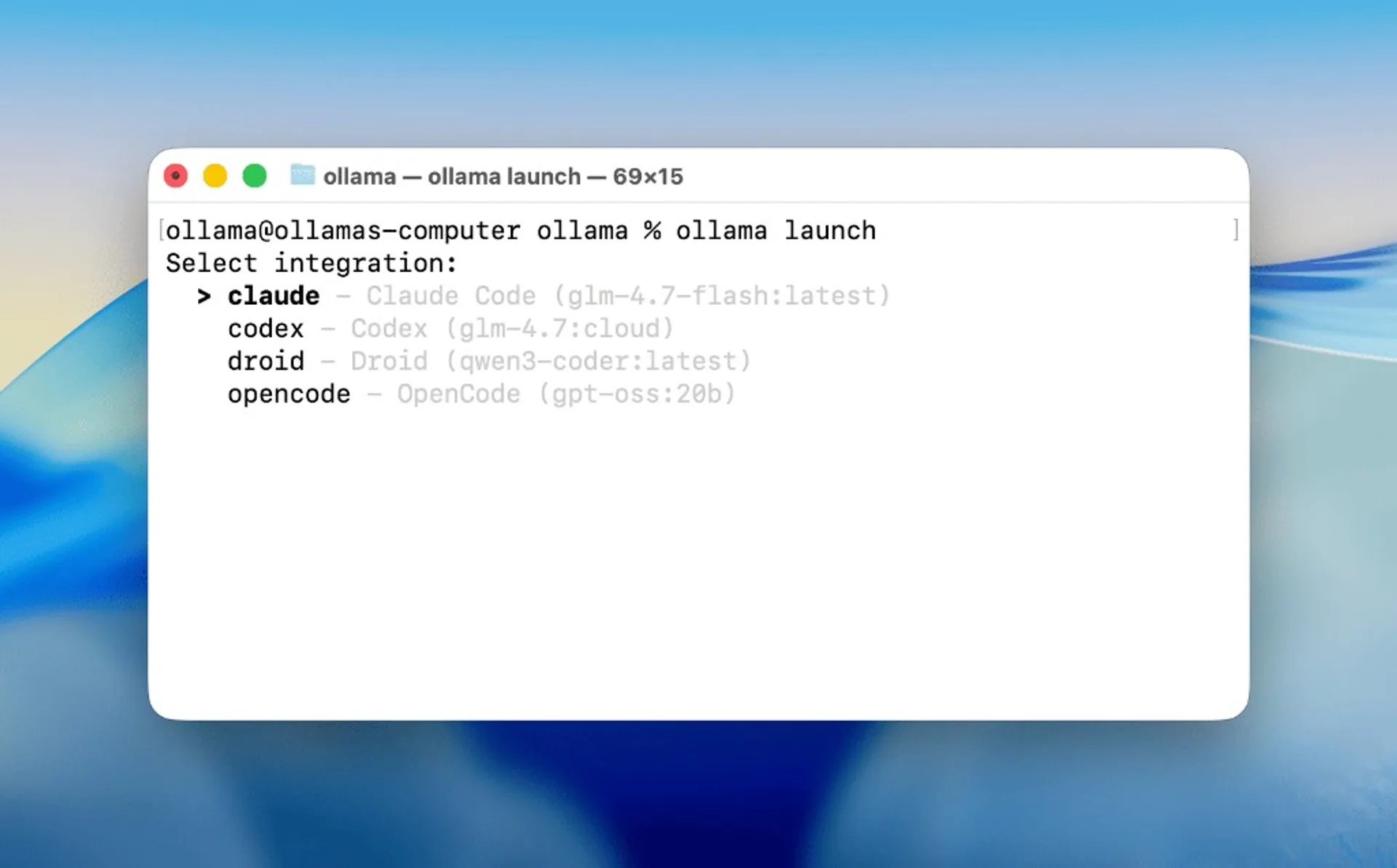
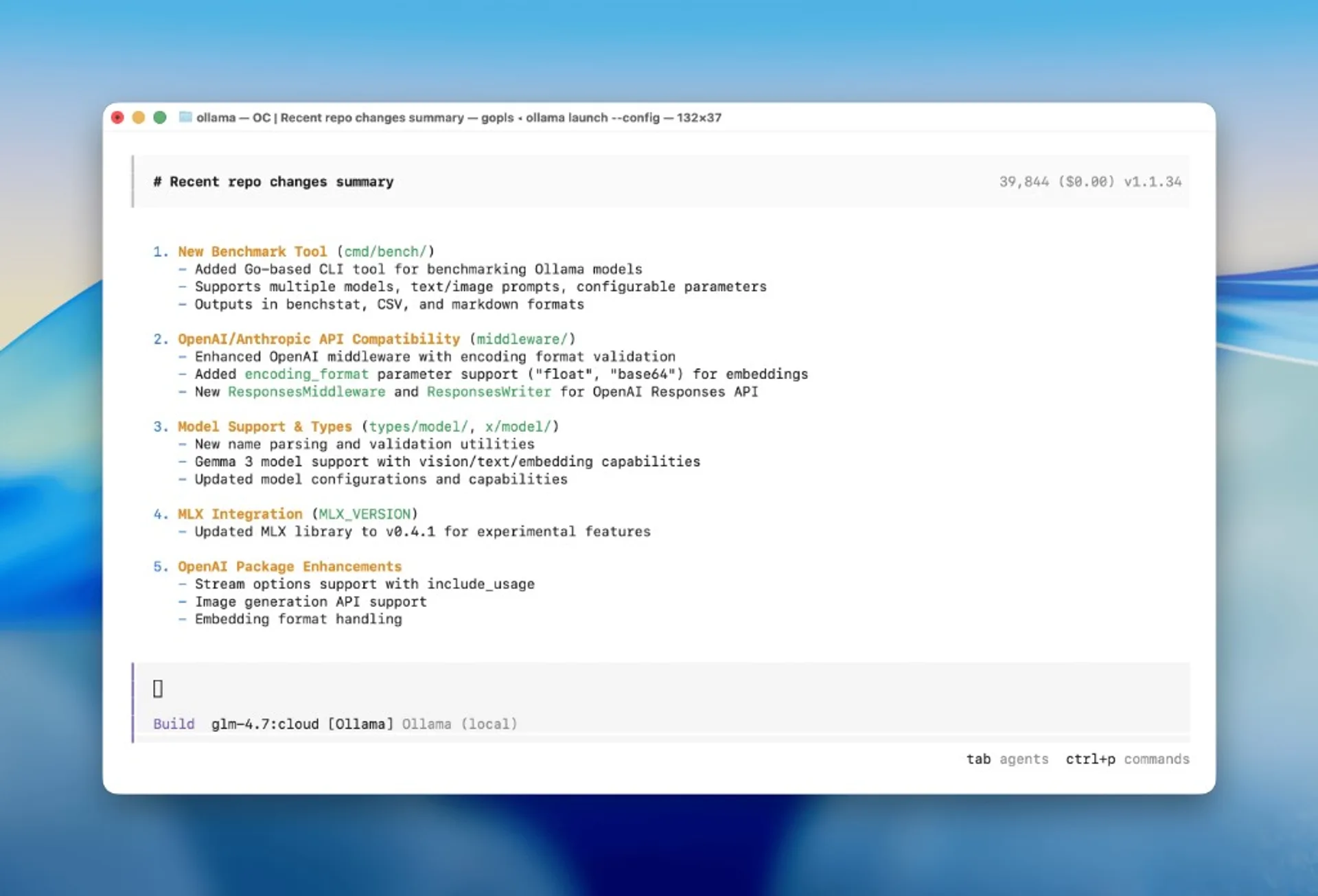
ollama launch integration selector flow, useful for validating your first end-to-end app path after install.Pricing: Free vs Pro vs Max
Ollama’s pricing page is straightforward in structure:
| Plan | Price | Cloud concurrency | Positioning |
|---|---|---|---|
| Free | $0 | 1 model at a time | Light usage, evaluation, local-first workflows |
| Pro | $20/mo or $200/year | 3 models at a time | Day-to-day work, larger models, deeper automation |
| Max | $100/mo | 10 models at a time | Heavy sustained usage, multiple concurrent agents |
Important policy detail: running models on your own hardware is described as always unlimited. Plan limits apply to cloud capacity behavior (session/weekly windows, concurrency queues, and usage envelopes).
Ollama also states that usage is measured by actual infrastructure utilization (primarily GPU time), not a simple fixed token bucket. That distinction matters for finance: long-running agent jobs and large model runtimes behave differently from short chat turns.
Model families currently visible in Ollama Search
From the public model index snapshot, Ollama is surfacing a mix of local-friendly and cloud-enabled tracks, including high-interest 2026 families:
- Qwen tracks:
qwen3.5,qwen3.6, and coding-focused variants. - DeepSeek:
deepseek-v4-flashvisible with tools/thinking/cloud labels. - GLM:
glm-5.1andglm-4.7-flashentries. - Gemma:
gemma4with multiple size tags (e2b/e4b/26b/31b). - Kimi:
kimi-k2.5andkimi-k2.6style entries in the same ecosystem list. - Additional stacks: Nemotron, Ministral, devstral, and other specialist families.
This is where Ollama is strongest as a workflow product: you can evaluate many model families through one consistent operational surface instead of retooling for each provider.

Key advantages for builders
1) Local-first privacy posture
Ollama repeatedly highlights “your data stays yours,” with explicit claims that prompt/response data is not trained on, and that offline operation is available for mission-critical scenarios.
2) Clean path from local dev to bigger capacity
The platform’s value proposition is not just local inference; it is the ability to move into larger cloud-backed capacity when needed without discarding existing workflows.
3) Tool-call and agent workflow emphasis
The pricing FAQ and app examples stress tool-calling support and real agent workflows. If your target is coding/document workflows with tool orchestration, that alignment matters more than generic benchmark bragging.
4) Operational simplicity
Simple CLI, API, desktop options, plus broad integrations reduce setup drag for mixed teams (engineers + technical operators).
Hardware guidance and sizing logic
Ollama doesn’t replace the basic physics of local inference. Use this decision flow before promising service levels:
- Start from task complexity, not model hype: chat assistant, coding copilot, long-context agent, etc.
- Pick a size tier that actually fits your hardware budget with headroom.
- Measure time-to-first-token and throughput on your real prompts, not canned demos.
- Decide where cloud helps: concurrency spikes, larger models, or web-connected tasks.
| Hardware reality | Practical first move | Upgrade trigger |
|---|---|---|
| Laptop / constrained setup | Start with small-to-mid model tags and short-context workflows | Frequent OOM, slow TTFT, unstable long prompts |
| Prosumer workstation | Use mid/large local models for day-to-day coding and analysis | Need sustained multi-agent concurrency |
| Team with bursty heavy workloads | Keep local baseline, use Ollama cloud selectively | Queue pressure and model-size ceilings become routine |
Rule of thumb: choose the smallest model that reliably clears your acceptance tests. Bigger models can improve quality, but they also raise operational cost and latency risk.
Fast-start workflow in 15 minutes
- Install Ollama from
ollama.com(shell installer or download). - Run one baseline model from the search catalog.
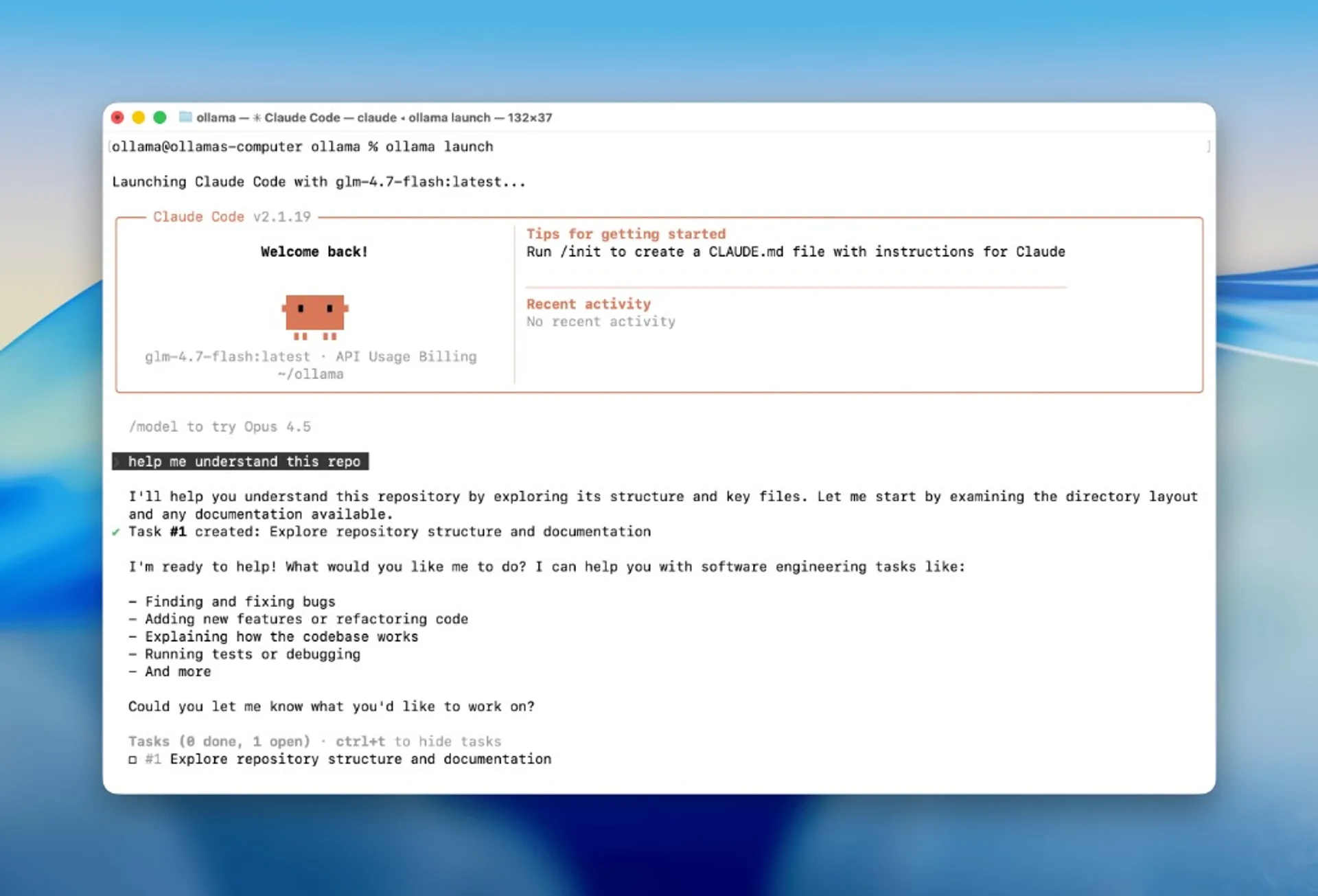
- Run one tool-enabled agent flow (for example via OpenClaw launch path).
- Capture latency, output quality, and failure rate for 10 real prompts.
- Only then decide whether Free is enough or Pro/Max is justified.
If you want a model shortlist first, pair this guide with our April 2026 local model ranking.
Sources
Model tags, pull counts, and cloud flags can change quickly. Re-check the live search page before publishing a hard “top picks” list tied to Ollama availability.
Local AI Masterclass: LLMs, Diffusion & AI-Agents on Your PC
Available at Udemy — practical local-AI learning path (LLMs, diffusion, agents) you can combine with the model families listed in this article. Course title, curriculum, and price can change; verify details on the merchant page before purchase.
View course on UdemyFrequently asked questions
Do I need a paid plan to run local models in Ollama?
No. Ollama states local runs on your own hardware are unlimited. Paid plans mainly expand cloud usage and concurrency.
Is Ollama cloud mandatory?
No. The platform is designed so you can run fully local/offline workflows, then opt into cloud when you need bigger or faster capacity.
How should I choose between Free, Pro, and Max?
Decide from concurrency and workload shape: Free for evaluation/light use, Pro for day-to-day larger model work, Max for heavy sustained multi-agent workloads.
Can I use Ollama with OpenClaw and coding agents?
Yes, Ollama explicitly highlights app workflows including OpenClaw and tool-enabled model usage. Validate each model’s tool capability label before production rollout.