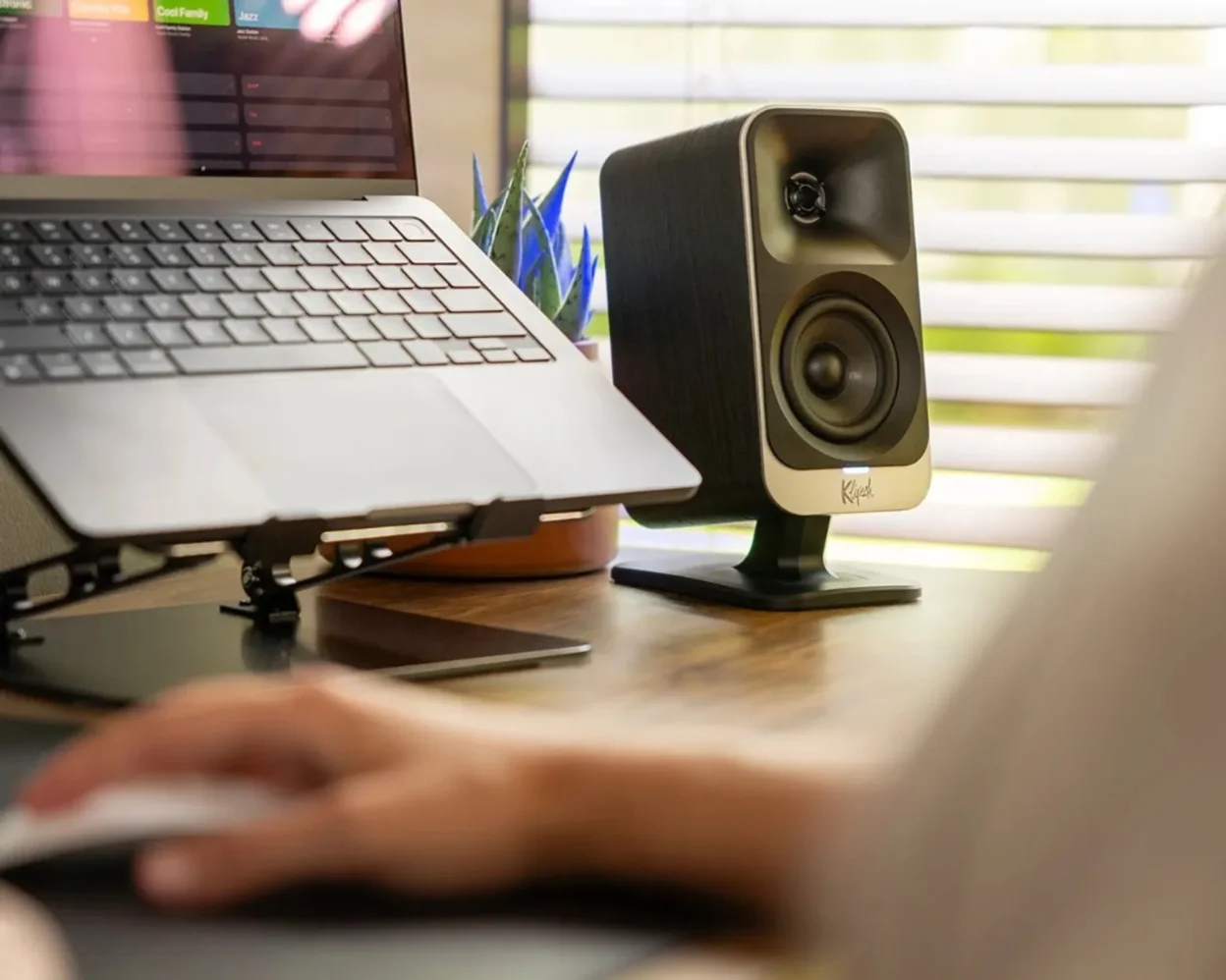
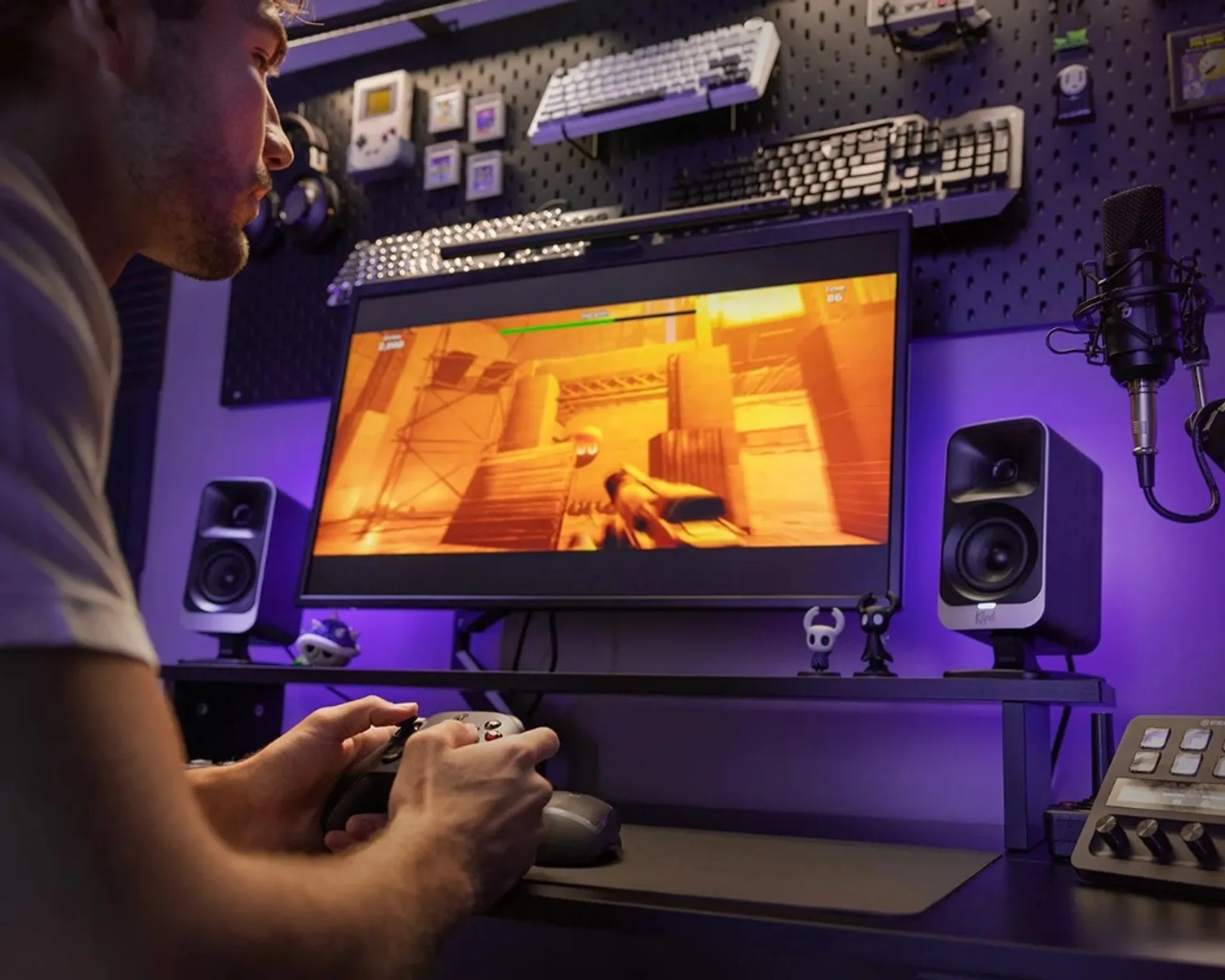
Klipsch ProMedia Lumina is a desktop-first 2.1 system aimed at gamers, creators, and work-from-home users who want bigger sound than typical monitor speakers without building a full hi-fi stack. The formula is simple: two compact satellites, one slim side-firing sub, modern connectivity, and optional RGB ecosystem features.
What ProMedia Lumina is trying to do
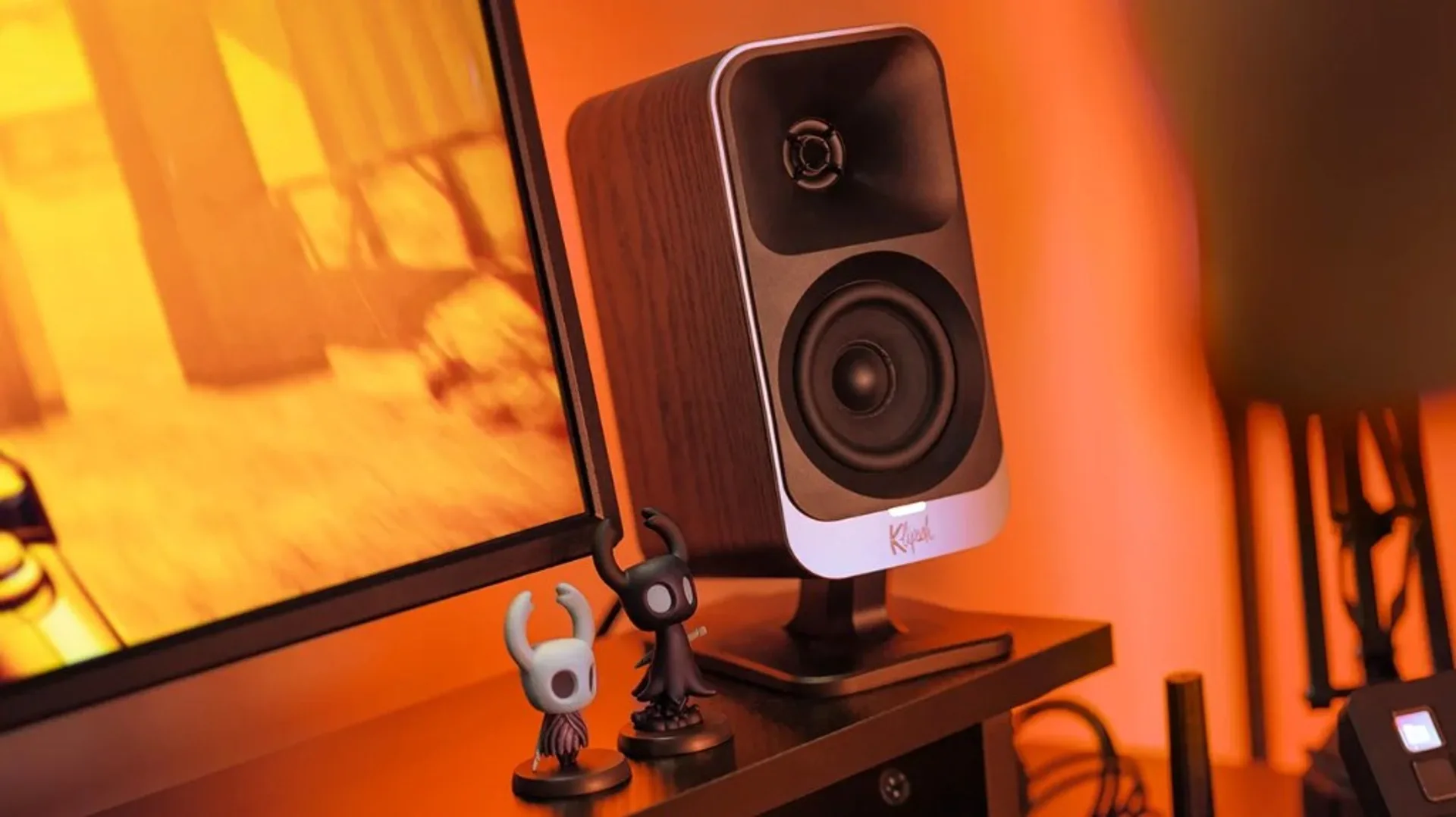
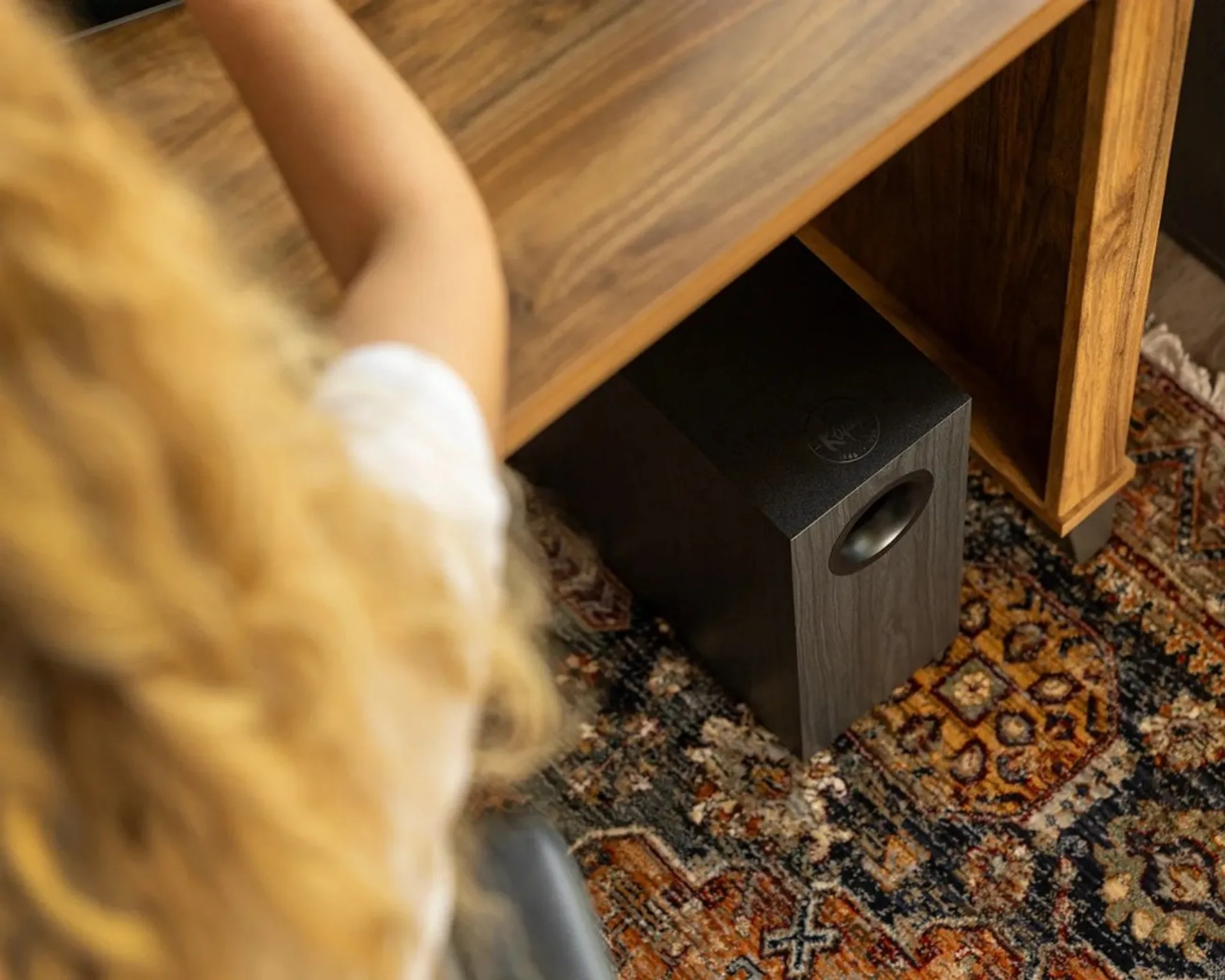
The main design brief is clear from all launch coverage: this is a modernized desktop 2.1 update to the old ProMedia concept, not a mini passive hi-fi system. You get a 1-inch tweeter + 3-inch mid in each satellite and a 6.5-inch side-firing sub in a separate ported box, with amplification housed in the sub enclosure.
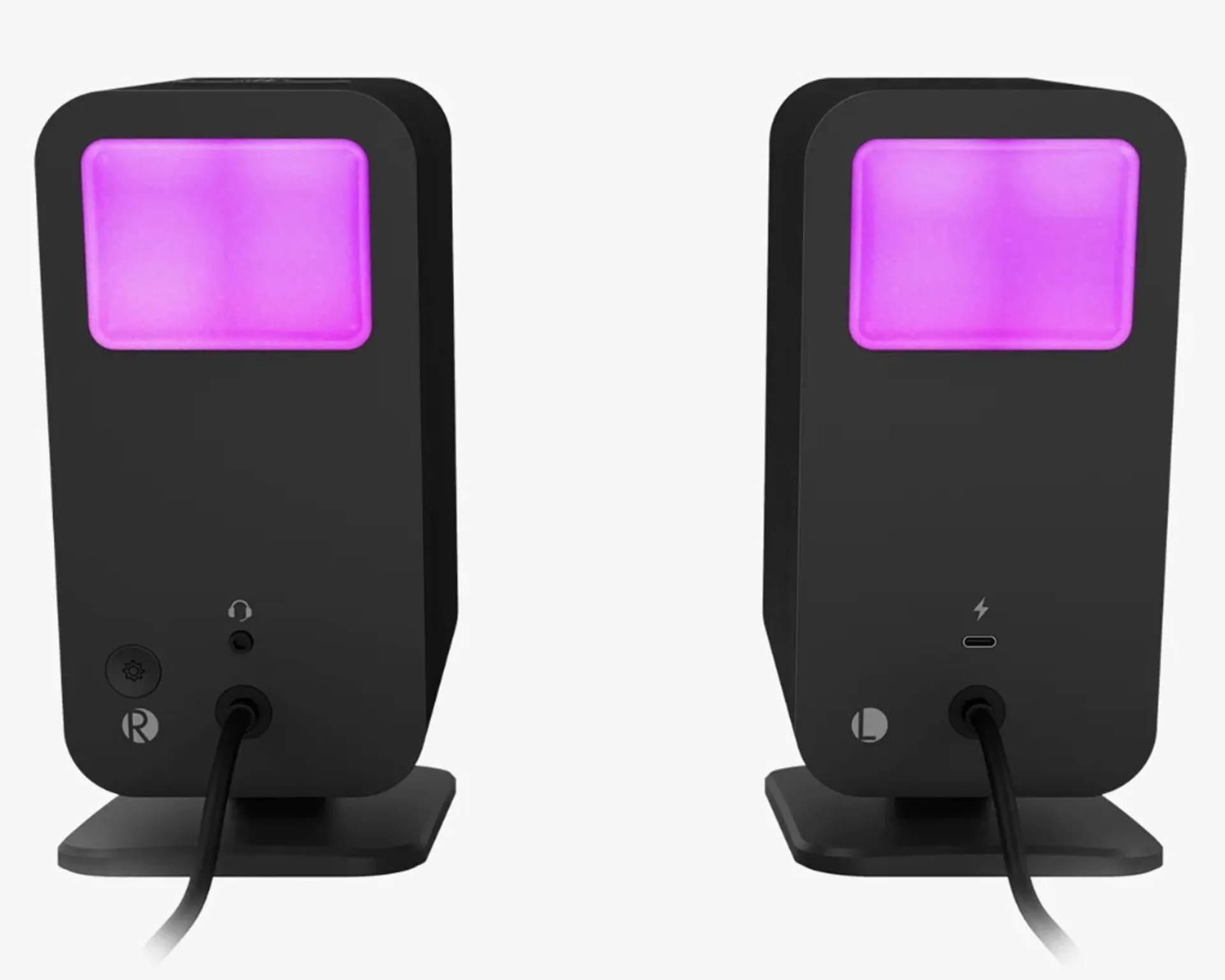
- Connectivity: USB-C, 3.5mm analog input, Bluetooth 5.3
- Control layer: mobile/desktop apps with EQ, modes, and RGB options
- Use case: desk entertainment, gaming, content playback, casual editing
If you are comparing inside the Klipsch ecosystem, this sits far below the new powered heritage-style line in scale and intent. For that side of the catalog, see Klipsch The Fives/Sevens/Nines Gen II overview.
Sound character in real use
Across Techaeris impressions and broader launch commentary, the recurring strengths are clear treble presence, good stereo imaging for desktop distance, and bass that feels satisfying for a compact 2.1 package. It is repeatedly described as lively and engaging rather than flat/reference-neutral.
That profile is exactly what most desktop buyers want: intelligible vocals, crisp transients, and enough low-end energy to make games and movies feel impactful. The trade-off is that this is not the final word in tonal naturalism or mastering-grade neutrality.
For office and home desk users, that trade is usually acceptable. If your goal is strict reference monitoring, you should still look at dedicated studio monitor paths instead of consumer 2.1 systems.
Features that matter (and those that do not)
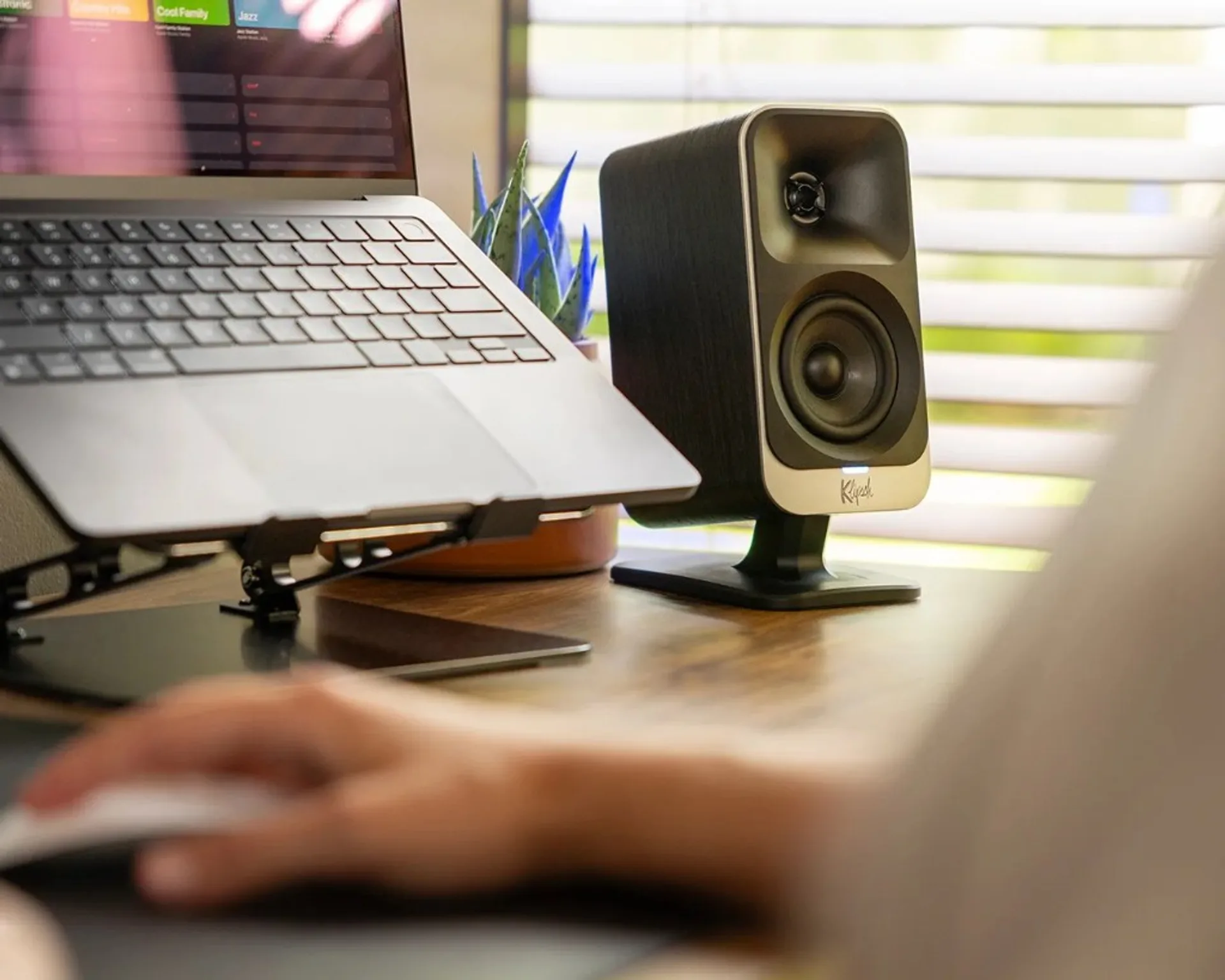
Lumina’s differentiator is not only sound. It is workflow features designed for desktop life:
- App-adjustable EQ and sound modes
- Virtual surround profile options for gaming
- Night mode and sub gain control for shared spaces
- RGB behaviors including music-reactive and screen-sync modes (best supported on Windows)
For some users, RGB is a major plus; for others, it is irrelevant noise. The good news is that these features are optional. You can treat the system as a straightforward USB-C / Bluetooth desktop speaker and ignore the lighting layer entirely.
If you prefer more traditional hi-fi aesthetics and less app dependence, older-school powered options or compact amp + passive combos may still feel better long-term.
Price and sale context
Launch pricing has commonly sat around $379.99, with first notable promotions dropping roughly $60 in seasonal sale windows, bringing it near the low-$300 range. At that level, the value argument becomes much stronger for users who specifically want one turnkey desktop package.
The key is expectation control: at this price, you are buying convenience, impact, and modern desktop feature coverage—not handcrafted cabinet luxury or high-end audiophile refinement.
If you want broader market context before purchasing, compare with our previous Klipsch pricing/deal coverage such as The Sevens deal breakdown.
Who should buy, who should skip
Buy if you:
- Want a compact, all-in-one desktop 2.1 setup with minimal hassle.
- Use your desk for mixed tasks: work, games, media, and casual music.
- Like the option to tune EQ and lighting from app software.
Skip if you:
- Need a neutral, production-grade monitor signature.
- Dislike proprietary cable paths and app-centric feature management.
- Prefer passive-speaker upgrade flexibility over turnkey convenience.
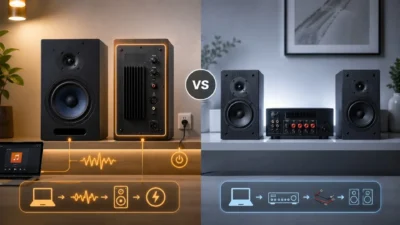
If that last point describes you, our active vs passive speakers framework explains what you gain in modular upgrades versus all-in-one desktop systems.

FAQ
Is ProMedia Lumina good for music only?
Yes, but its strongest value is mixed desktop use (music + gaming + video), not pure audiophile listening.
Can I use it without RGB effects?
Yes. Lighting is optional, and you can reduce or disable it in software controls.
Is this a replacement for studio monitors?
Not really. It is tuned for fun and impact, while studio monitors prioritize neutrality and production accuracy.