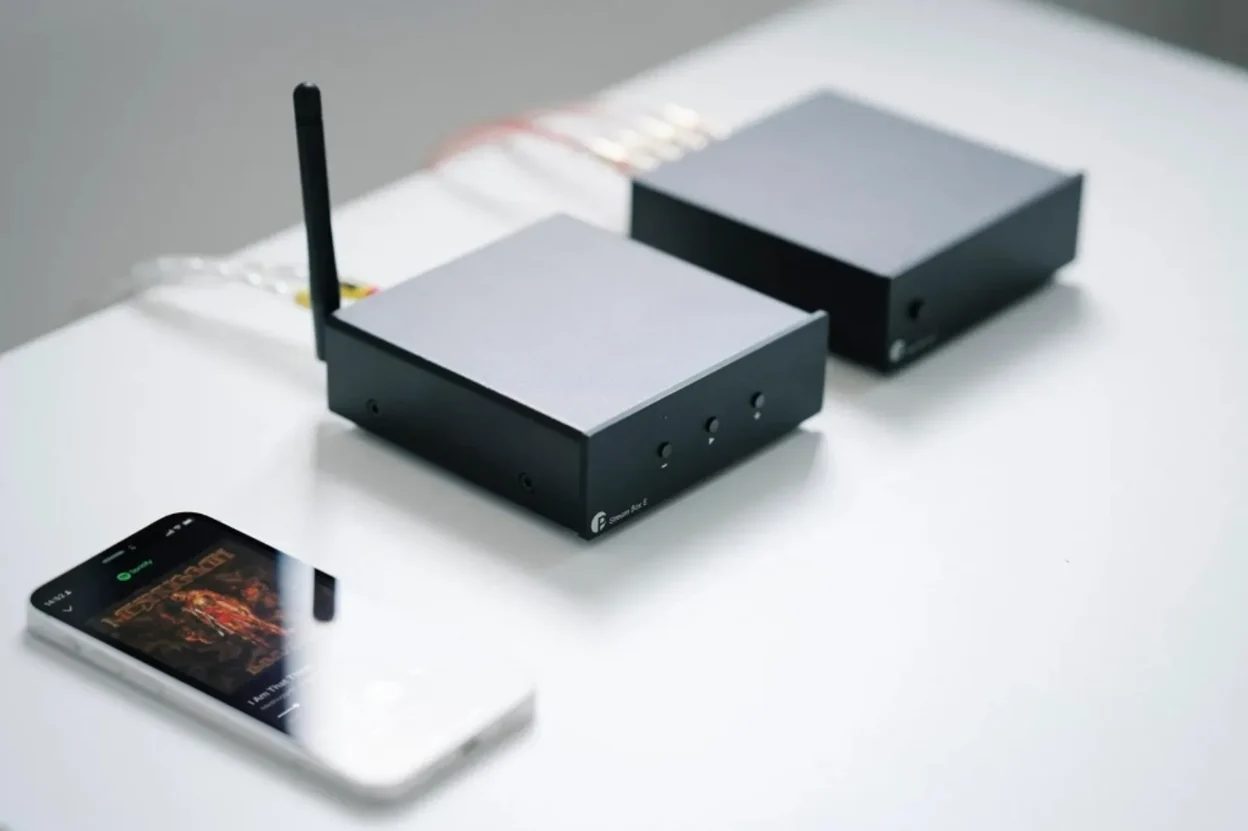
Pro-Ject just dropped two small boxes that solve a real problem: how to add Wi‑Fi streaming and multi-room to an existing hi‑fi setup without replacing everything. The Stream Box E is a streamer that can also act as a preamp (with volume control and an analogue input). The Wireless Box E is a plug-in streaming amplifier designed to attach directly to speaker terminals and make a passive speaker behave more like a modern “smart” endpoint. Both run on WiiM OS, so the idea is fast setup and predictable app control instead of a fragile DIY stack.
- Stream Box E adds Wi‑Fi streaming to an existing amp, can serve as a compact preamp, and can also feed active speakers.
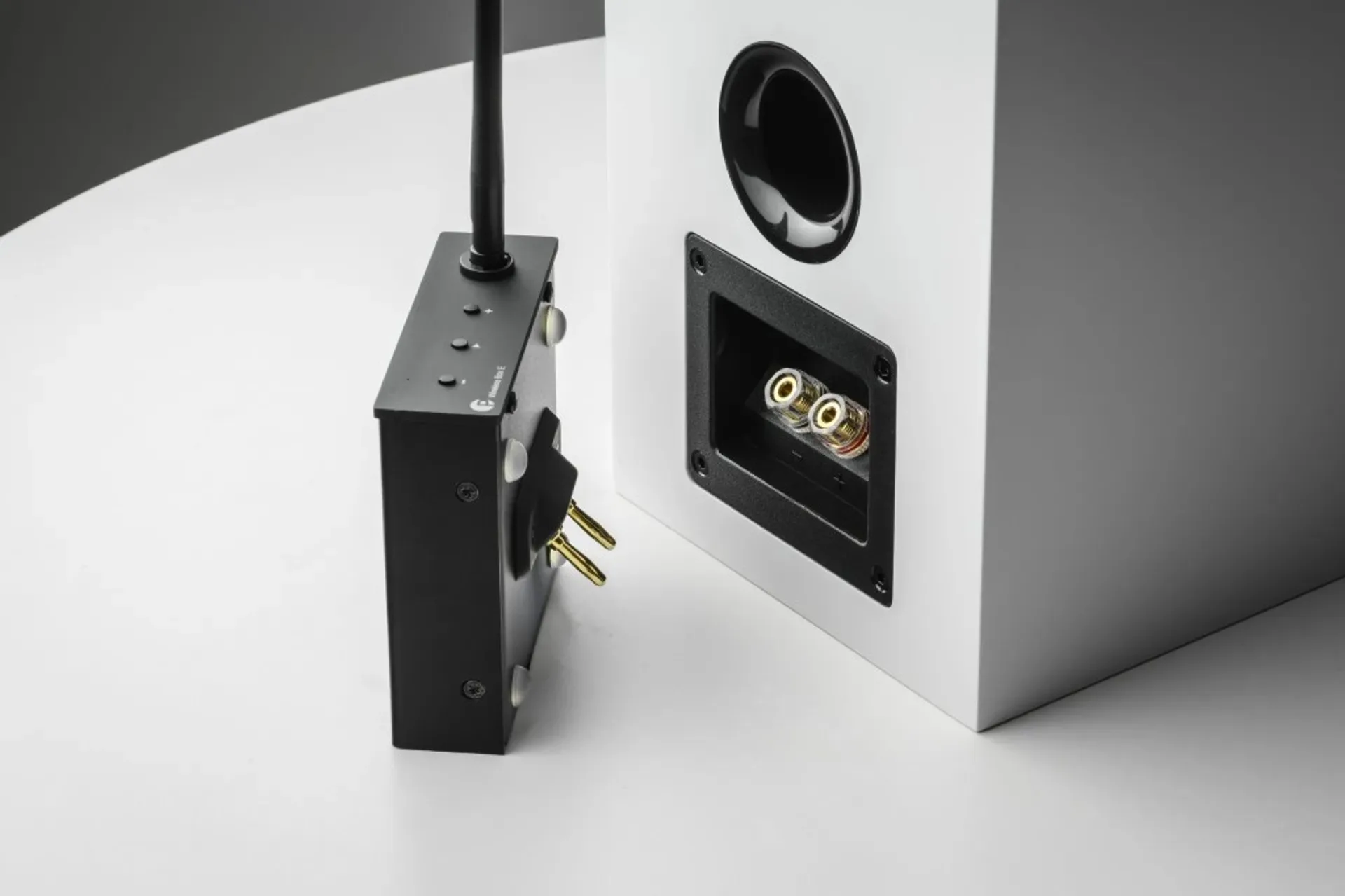
- Wireless Box E turns a passive speaker into a wireless endpoint by attaching at the speaker terminals (and yes, you should think about “how many boxes per stereo pair” before budgeting).
- If you’re still deciding your system architecture, start here: Active vs passive speakers.
Two products, two different problems
They both modernize an “offline” hi‑fi system, but they do it from opposite ends of the chain:
- Stream Box E is the “front end” play: streaming + volume control + input switching.
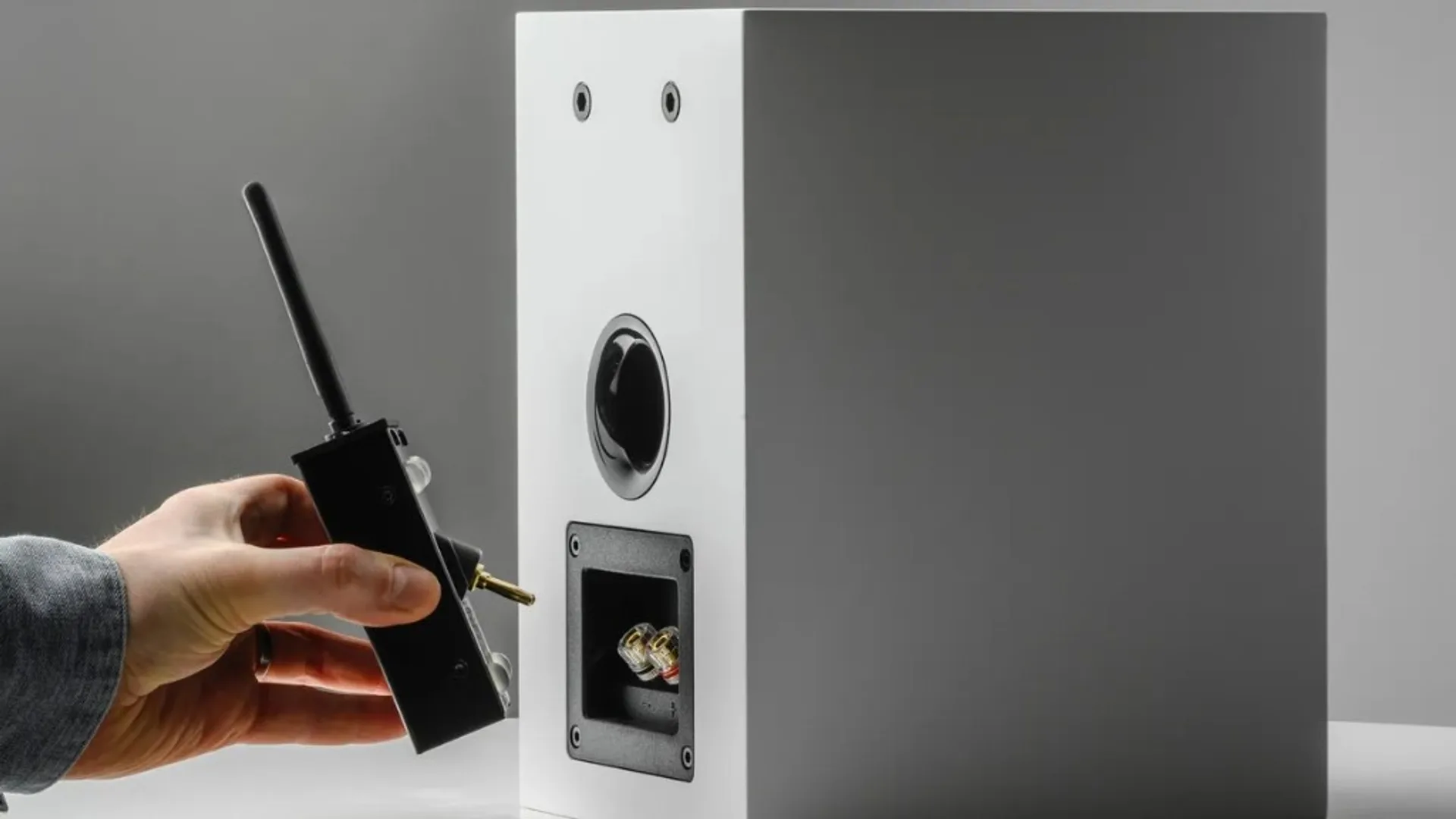
- Wireless Box E is the “speaker end” play: attach it to the speaker terminals and treat the speaker as a wireless endpoint in your network.
So if Stream Box E is the brain, Wireless Box E is the plug-in muscle bolted to the speaker.
Stream Box E: streamer + preamp in one box
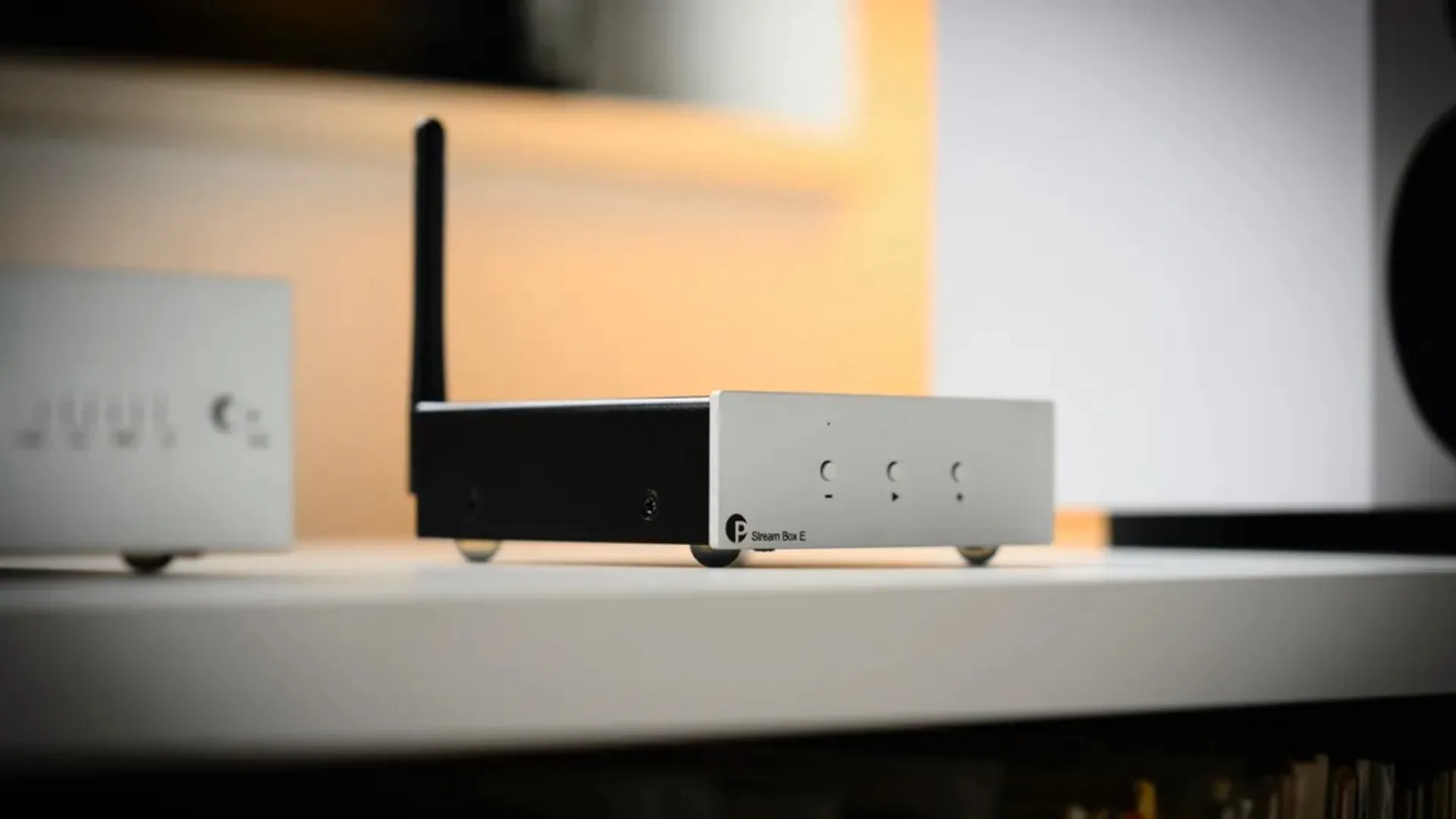
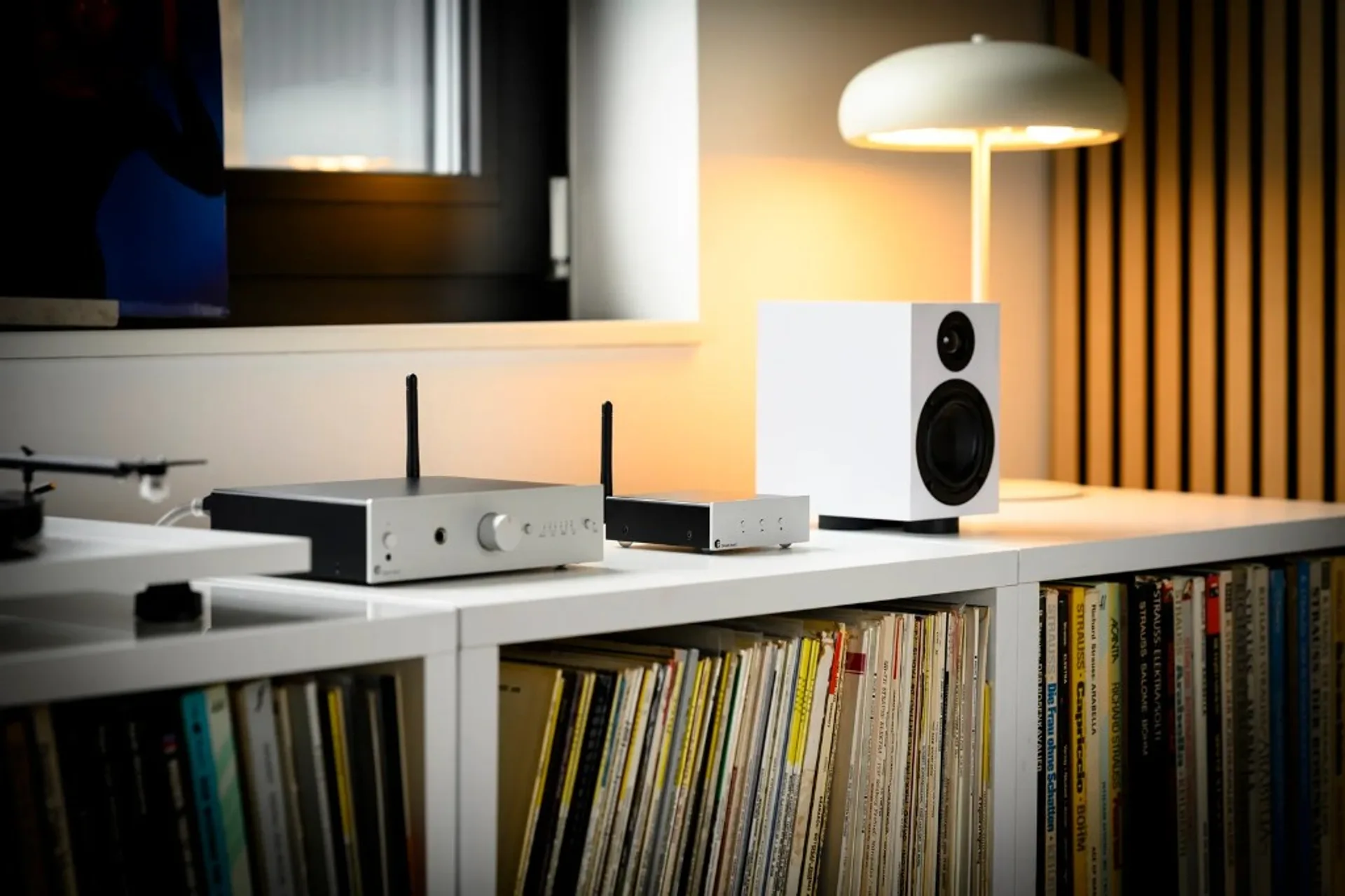
Pro-Ject positions the Stream Box E as an entry-level streamer built on WiiM OS, controlled via the Pro-Ject Home app. The practical part is the flexibility: it can be a straightforward network streamer for an existing integrated amp, it can run as a minimalist preamp feeding a power amp, and it can also act as a clean streaming hub for active speakers.
Three setups that make sense
- Add streaming to an existing amp: the classic “my amp is fine, I just want Wi‑Fi streaming” upgrade.
- Minimal preamp + power amp: volume control in the streamer, power amp on the back end, passive speakers in the room.
- Active speakers hub: one box for streaming and source switching, feeding powered speakers directly (depending on your speakers’ inputs).
Analogue input matters more than it sounds
The Stream Box E includes an analogue RCA input. Pro-Ject explicitly frames this as a way to share an analogue source (yes, including a turntable chain) across a multi-room network. The usual caveat still applies: your turntable needs the right gain stage somewhere in the chain.
Wireless Box E: a speaker-terminal streaming amp
The Wireless Box E is the simpler idea: a compact streaming amplifier that attaches directly to speaker terminals. Pro-Ject sells it as a way to turn passive speakers into something closer to a wireless “active” endpoint, without a separate amp on the rack. For speakers from other brands, Pro-Ject mentions a separately sold Connect it LS Flex extension cable to broaden compatibility.
The budgeting trap: think in pairs
Pro-Ject’s own explainer talks about distributing audio to multiple Wireless Box E units on the same network. In the real world, the number you buy depends on how you want to build your system. If you want two speakers to act as a stereo pair with this approach, budget accordingly and verify the intended setup before checkout.
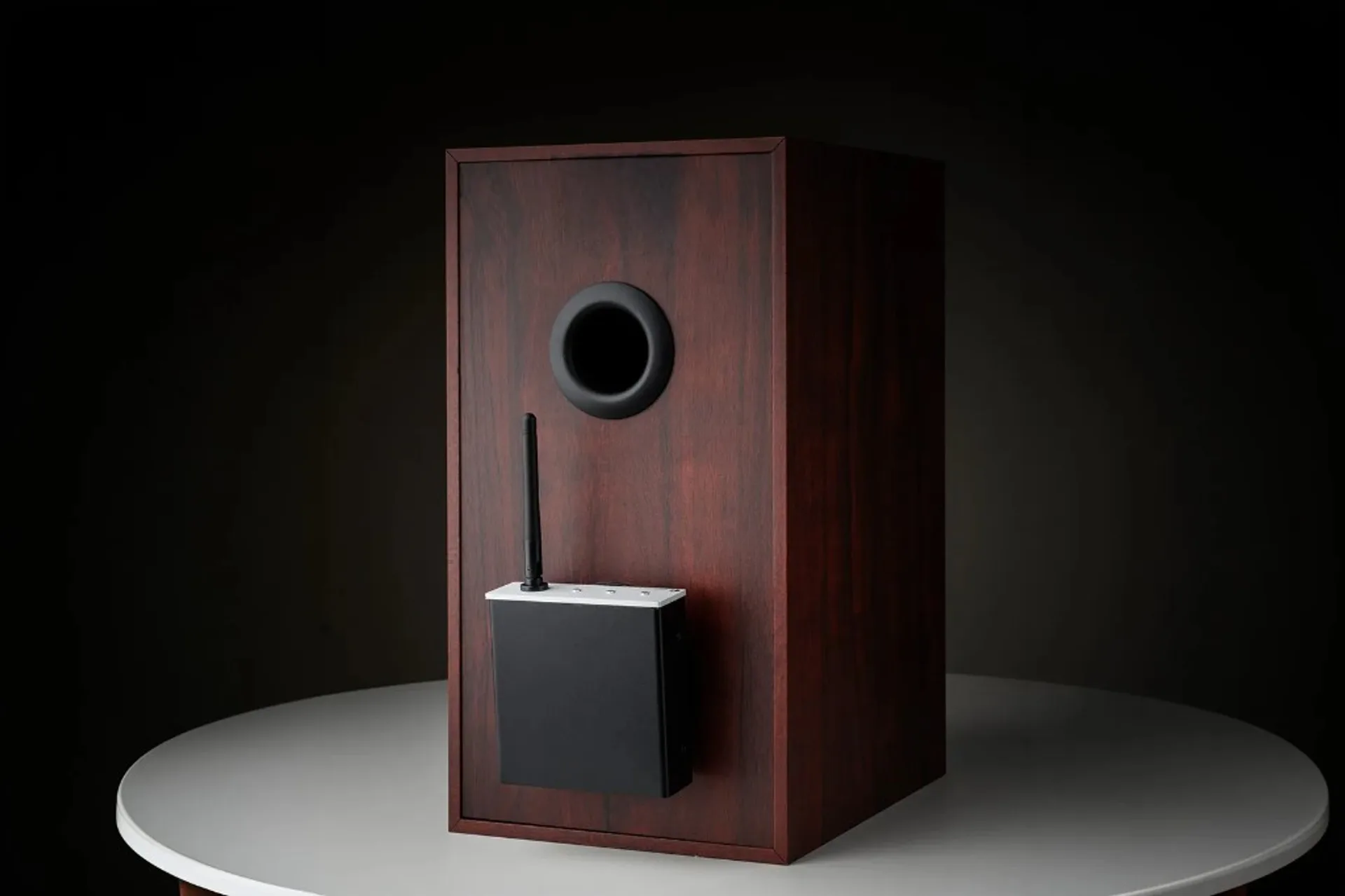
Like Stream Box E, it runs on WiiM OS and is set up through the Pro-Ject Home app.
Pricing and availability (what we know)
- Stream Box E: the official Pro-Ject page does not list pricing. Expect regional differences depending on distribution.
- Wireless Box E: same story — check your local dealer/distributor for actual retail pricing.
If price is the deciding factor, you’re shopping, not just reading. Verify the final checkout price, required accessories (like extension cables), and how many units your plan actually needs.
Who should buy which?
- You already have an amp and speakers, and you just want streaming that behaves → Stream Box E.
- You want fewer boxes (streamer + volume control in one) → Stream Box E.
- You want a wireless endpoint at the speaker (and you’re willing to plan the unit count and compatibility) → Wireless Box E.
- You run active speakers → Stream Box E can be a neat streaming and switching hub, depending on your input needs.
If you’re drawn to the “one box does multiple jobs” idea, compare design intent across the category. For example: Fosi Audio S3 intro.
FAQ
Can Stream Box E replace a preamp?
It has volume control and is positioned as a streamer that can sit in a preamp role. Whether it replaces your current preamp depends on your sources (especially analogue), your gain needs, and what inputs/outputs you actually use.
Is Wireless Box E the same thing as “wireless speakers”?
Not exactly. It’s a streaming amplifier that attaches at the speaker terminals to make a passive speaker behave like a modern wireless endpoint. You still need to plan compatibility, power, and how many units your setup requires.
When does Wireless Box E make sense?
When avoiding speaker wiring is the actual win: rentals, open-plan rooms, or setups where you don’t want to run long cables. If your core problem is simply “I want streaming on my existing amp,” Stream Box E is usually the cleaner solution.