build.nvidia.com is not just a page to “try models.” It is a layer that helps you move from prototype to an AI app you can run in production: NIM inference endpoints, a model catalog filtered by use case, GPU sandbox options, starter blueprints, and deployment paths from cloud to self-host.
What build.nvidia.com is
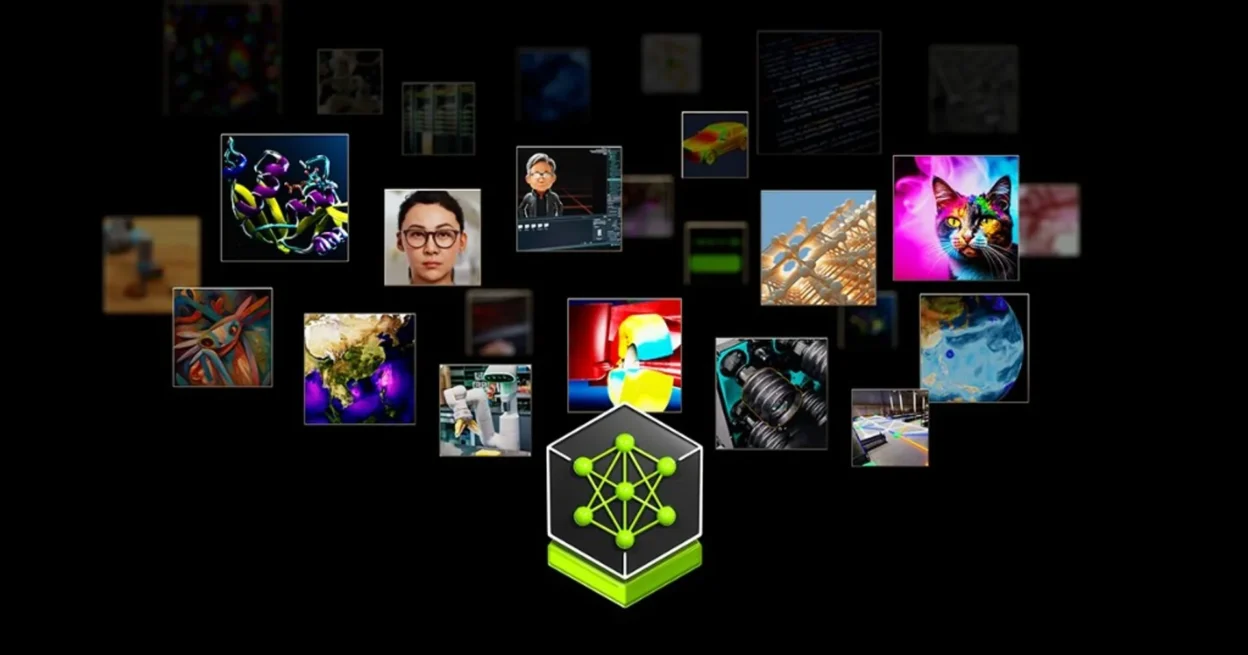
From the homepage and Discover area, NVIDIA Build is positioned as an entry point to start building AI apps: use ready-made endpoints, try new models, adopt blueprints, and expand into GPU instances or self-hosted deployments.
On the product surface you usually see three main routes:
- Models: a catalog with filters by use case (coding, RAG, speech-to-text, image-to-text, drug discovery, and more).
- Blueprints: workflows plus code samples for packaged problems (agent data flywheel, AI-Q, video search and summarization, and similar).
- Compute paths: free serverless endpoints for testing, plus options to launch GPU instances or self-host on your own infrastructure.
In short: Build answers “I have a model — now which application does it power and how do I deploy it?”
For a concrete developer workflow that routes a popular coding CLI through NVIDIA NIM with a local compatibility proxy, see Free Claude Code: detailed guide to run Claude Code for free via NVIDIA NIM proxy.
Four core building blocks
1) NIM APIs for fast iteration
Discover calls out “Deploy Models Now with NVIDIA NIM” and “Free serverless APIs for development.” That means you can call APIs for prototyping before you stand up a dedicated cluster.
2) A model catalog filtered by the job
The Models page supports filters by use case, provider, publisher, free endpoint, and downloadable assets. That is useful for product teams: move from “pick the trending model” to “pick the model that matches the workload.”
3) Blueprints to shorten time-to-first-app
Blueprints on Build are packaged guidance plus starter workflows. Discover highlights examples such as the AI-Q blueprint, video search and summarization, and data-flywheel style agent workflows.
4) A flexible path to production
You can follow “test serverless first, then self-host NIM microservices.” That pattern fits teams balancing ship speed against data control and compliance needs.
Practical use cases: where to start
This section stays on real applications: less benchmark talk, more problems you can ship against.
For broader industry-level examples beyond wiring endpoints, see Generative AI use cases: 20 real examples by industry. If you want a no-code-style agent canvas to compare against blueprint-driven stacks, read How to build an AI agent with Langflow.
| Use case | Where to start on Build | Practical KPIs |
|---|---|---|
| Internal coding copilot | Model catalog (coding/tool-calling) + NIM endpoint | PR cycle time, first-pass fix rate, test pass ratio |
| Enterprise RAG | RAG-tagged models + AI-Q/Data Flywheel blueprint | Answer accuracy, citation hit rate, latency p95 |
| Video search/summarization | VSS blueprint + multimodal models | Time-to-insight, summary quality score, recall |
| Voice AI + call analytics | Speech-to-text / voicechat models | WER, response latency, task completion rate |
| Safety moderation layer | Content-safety models + policy pipeline | False positive/negative, moderation SLA |
| Synthetic data pipeline | NeMo Data Designer path on Discover | Data coverage, labeling cost, model uplift |
Use case 1: Agent-assisted coding for product teams
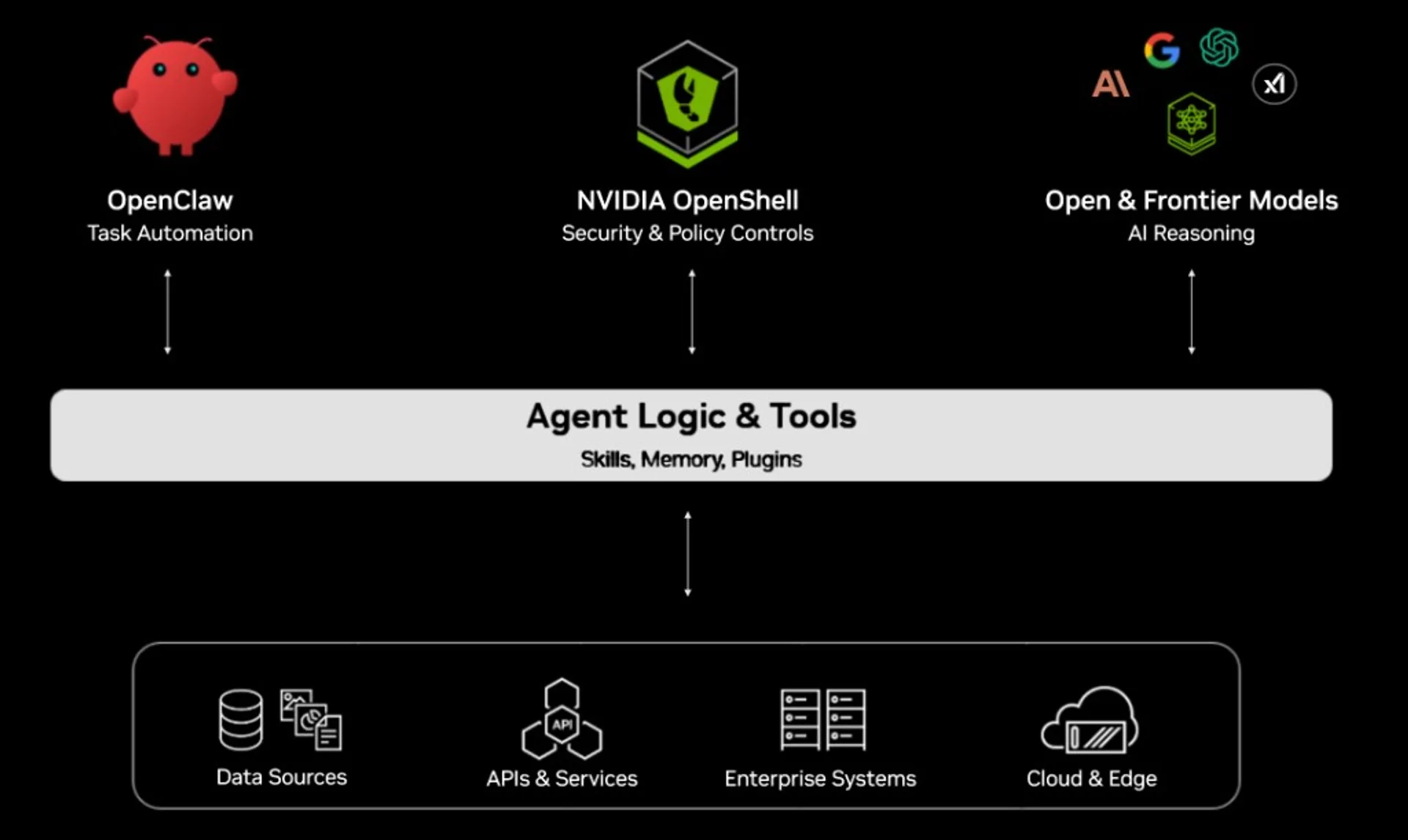
If the goal is faster delivery, start from models tagged for coding, agentic behavior, and tool calling. Use the free endpoint to test prompts and tool policy, then model cost per 1K requests when you scale.
Use case 2: RAG on internal knowledge
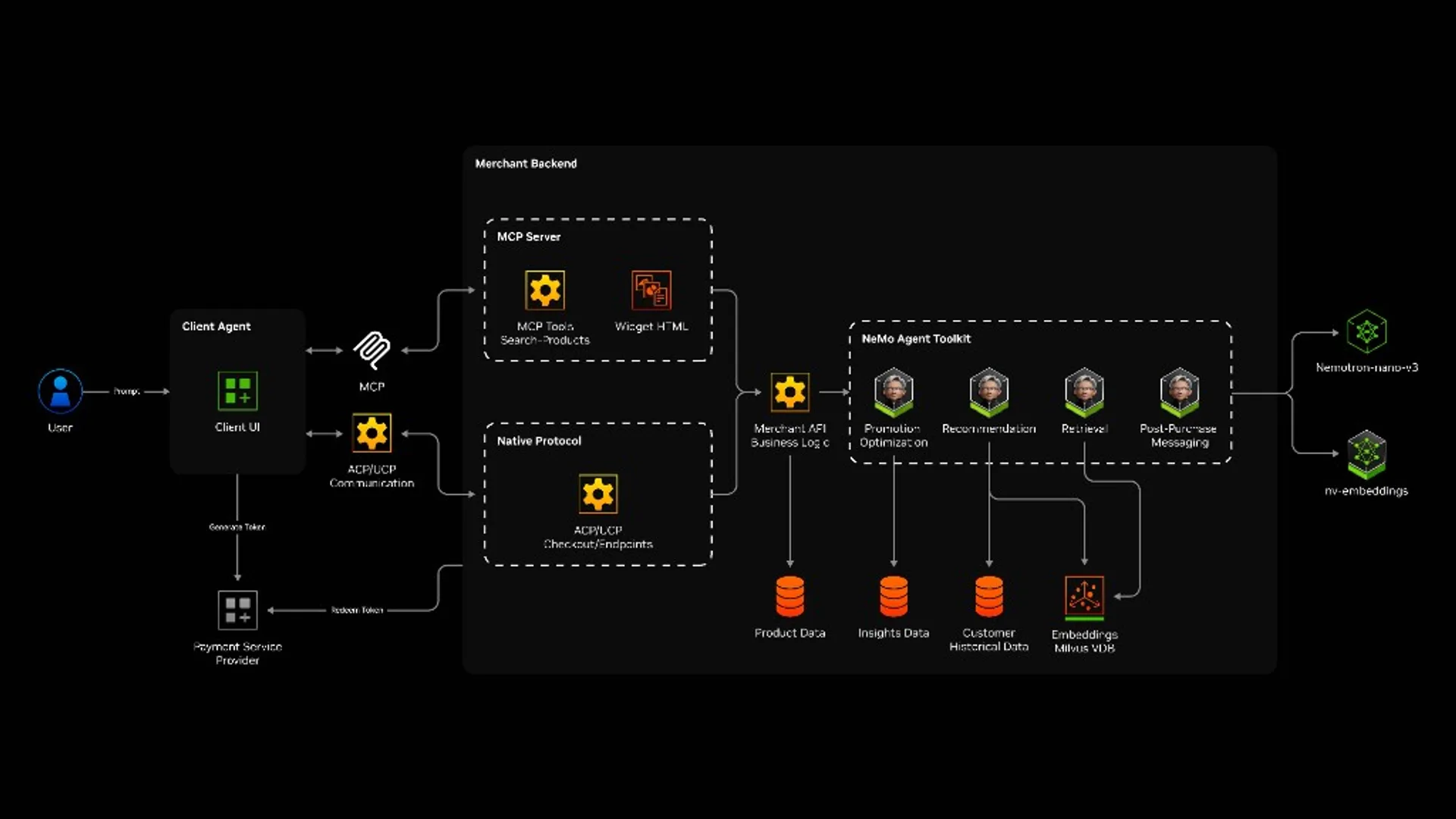
NVIDIA Build surfaces an ecosystem around retrievers, rerankers, and AI-Q style agent workflows. That is a sensible path when you need agents that retrieve, cite, and act on enterprise data.
Use case 3: Video intelligence
The Video Search and Summarization blueprint is a fast on-ramp for media archives, long-form video Q&A, and event triage. Ops and media teams usually see clear ROI from less manual review time.
Use case 4: Safety-by-design
Safety models should not be a bolt-on. If your app handles user-generated content, wire a moderation chain into the MVP so you do not pay a compliance rewrite tax later.
Framework: picking models and a deploy path
Instead of asking “which model is best,” ask “which model fits this workload.” Five steps:
- Define the task: coding, planning, retrieval, speech, vision, safety, and so on.
- Pick KPIs: accuracy, latency, cost, tool reliability, context depth.
- Filter in Build: use-case labels plus free endpoint or downloadable options.
- Run a mini benchmark: 30-50 real prompts, not polished demo prompts.
- Decide deploy: serverless for speed to learn, self-host for control and compliance.
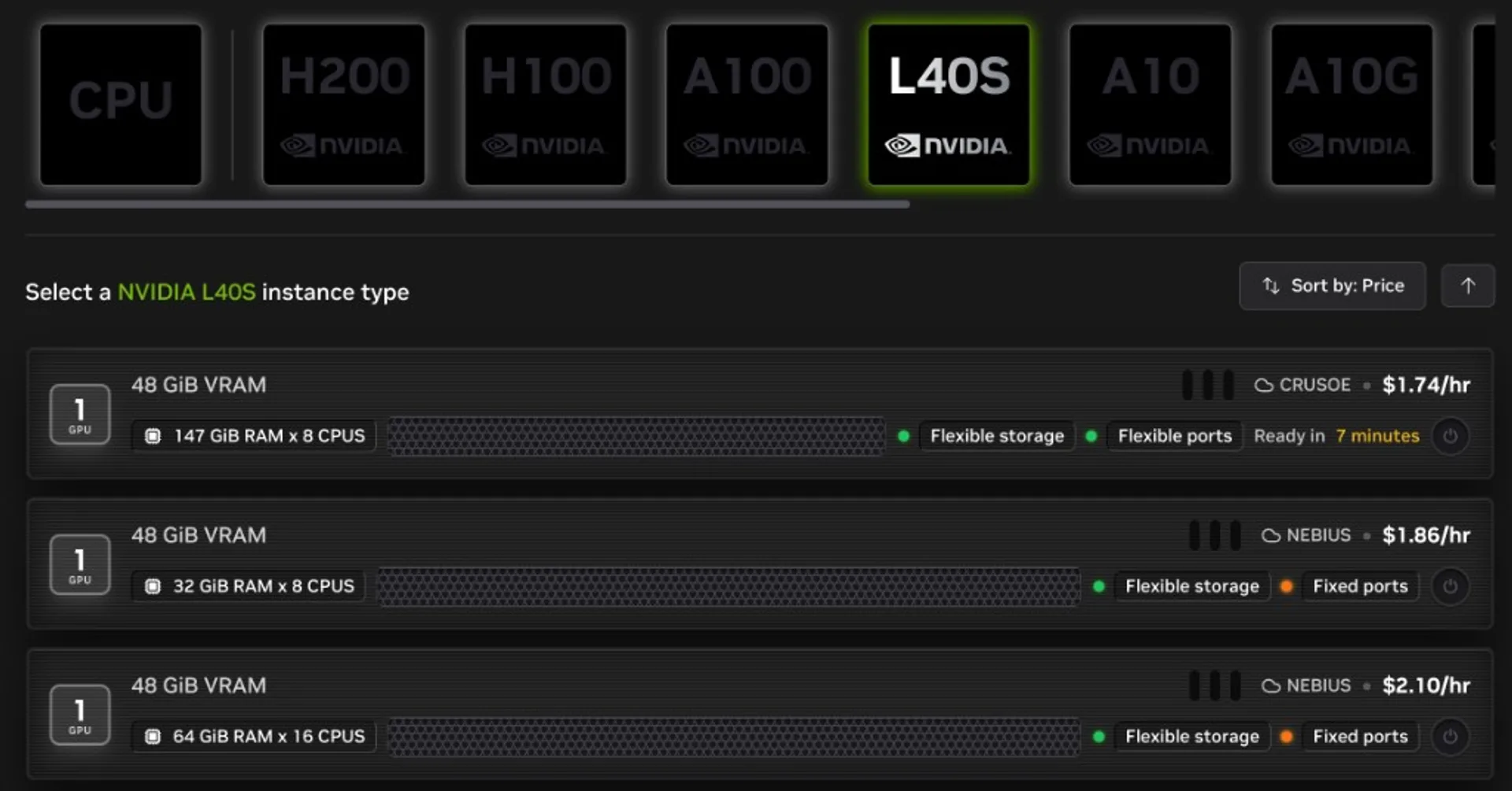
If your team already has strict data policy, bias toward self-hosting early so you do not rewrite architecture under pressure later.
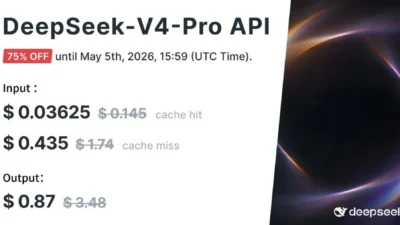
As a contrast path while you are still experimenting: local open-weight inference on Apple Silicon (tokens stay on-device) is covered in Run DeepSeek-V4 on Apple Silicon with mlx-lm and how to install and run Gemma 4 locally for web apps. For hosted DeepSeek API model names and pricing context, use DeepSeek V4 Preview: two API models, 1M context default, and a hard cutover date.
14-day roadmap from demo to pilot
Days 1-2: Lock one use case and define pass/fail KPIs.
Days 3-5: Try two or three models on the free endpoint with a small eval on real data.
Days 6-8: Pick the closest blueprint to your workflow and wire it into a thin app shell.
Days 9-11: Add observability: prompt class logs, p95 latency, failure modes.
Days 12-14: Freeze the pilot route (serverless or self-host) and set cost and safety guardrails.
Expected outcome: one pilot with clear KPIs, not a pretty demo that falls apart under load.
Common mistakes when using NIM APIs
- Picking models from social hype: skipping the metrics your product actually needs.
- Skipping failure tests: happy-path demos that collapse in production.
- No quota guardrails: surprise bills when traffic spikes.
- Safety as an afterthought: expensive pipeline rewrites later.
- No deploy plan early: you hit self-host requirements with the wrong architecture.
Note: model counts, use-case labels, free endpoints, and specs can change. Always reconcile against the live Build site before you freeze internal docs.
Local AI Masterclass: LLMs, Diffusion & AI-Agents on Your PC
Available at Udemy — practical local-AI learning path (LLMs, diffusion, agents) you can combine with NVIDIA Build workflows. Course title, curriculum, and price can change; verify details on the merchant page before purchase.
View course on UdemyFrequently asked questions
Is build.nvidia.com only for large enterprises?
No. You can start with a free inference endpoint for a small use case, then graduate to a heavier deploy path when you need it.
Should I start from the Models page or the Blueprints page?
If the problem is already clear, start on Models to filter fast. If architecture is still fuzzy, start on Blueprints for a template workflow, then lock the model.
When should I move from serverless to self-host?
When you hit one of three triggers: stricter compliance, cost optimization at real scale, or stable latency under an internal SLA.
What should I benchmark before production?
At minimum: task-specific accuracy, p95 latency, cost on a realistic workload mix, and error rates on failure modes — not just a happy-path demo.