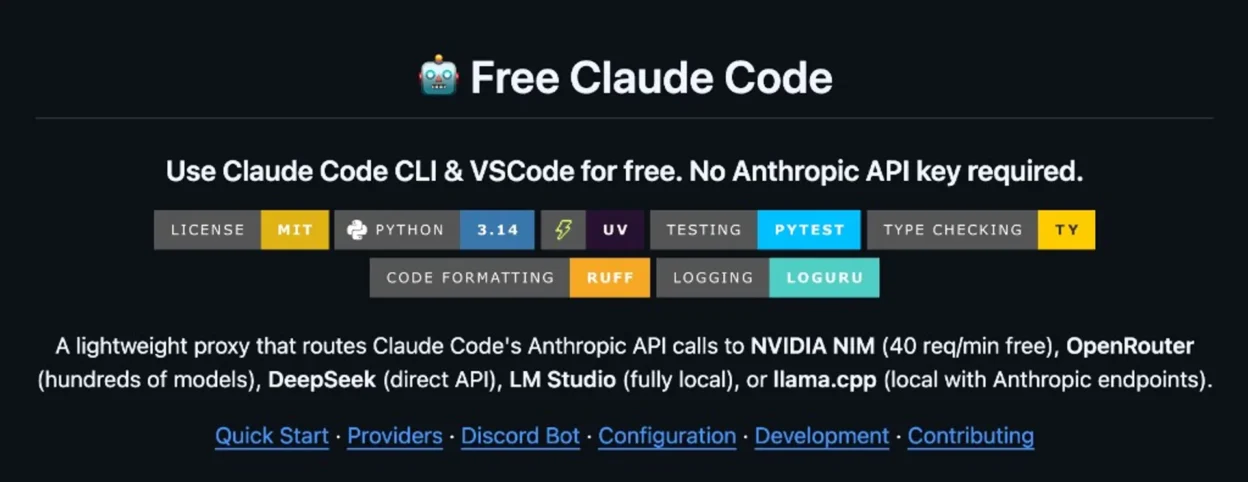
You can keep the Claude Code workflow without paying Anthropic API credits by putting a local proxy between Claude Code and another model provider. The Free Claude Code repo does exactly that: it accepts Anthropic-style requests, translates them for a compatible backend, then maps responses back into a format Claude Code can consume.
What Free Claude Code is and what problem it solves
Claude Code is Anthropic’s coding CLI and normally expects Anthropic API behavior. If you want Claude Code UX without paying Anthropic API usage, you need a translation layer between client and model backend.
The repo Alishahryar1/free-claude-code is that layer. Its README states support for multiple providers, with NVIDIA NIM commonly used as the free-tier option (described there as 40 requests/min).
Important distinction: you still use the Claude Code client, but token generation may come from GLM, Qwen, Kimi, MiniMax, DeepSeek, or local models. So interface familiarity does not mean model parity with native Claude models.
How it works: Claude Code -> Proxy -> Provider
Basic request flow:
Claude Code (Anthropic format) -> Free Claude Code proxy (:8082) -> NVIDIA NIM (OpenAI-compatible) / other backend
                               <- mapped response back <-
Based on the repo documentation, the proxy includes:
- Per-model routing: map Opus/Sonnet/Haiku classes to different backend models.
- Thinking handling: parse
<think>andreasoning_contentback into Claude-style thinking blocks. - Request optimization: intercept trivial requests locally to reduce quota usage and latency.
- Probe-compatible endpoints: expose routes Claude Code and extensions expect.
If you have ever dealt with “provider A speaks OpenAI format while client B expects Anthropic format”, this is a classic protocol-adapter implementation.
5-minute setup guide with NVIDIA NIM
This section follows the README intent and keeps the path minimal for first-run testing.
Step 1: Install Claude Code CLI
npm install -g @anthropic-ai/claude-codeStep 2: Create your NVIDIA NIM API key
Generate one at build.nvidia.com/settings/api-keys.
Step 3: Install uv (if missing)
pip install uvStep 4: Clone the repo and initialize env file
git clone https://github.com/Alishahryar1/free-claude-code.git
cd free-claude-code
cp .env.example .env
Step 5: Add minimal NVIDIA NIM config in .env
NVIDIA_NIM_API_KEY="nvapi-your-key-here"

MODEL_OPUS="nvidia_nim/moonshotai/kimi-k2.5"
MODEL_SONNET="nvidia_nim/z-ai/glm5"
MODEL_HAIKU="nvidia_nim/stepfun-ai/step-3.5-flash"
MODEL="nvidia_nim/z-ai/glm4.7"

ENABLE_THINKING=true
ANTHROPIC_AUTH_TOKEN="freecc"
Note: NIM model names can change. Re-check the live model list before hardcoding aliases in scripts.
Step 6: Start the local proxy
uv run uvicorn server:app --host 0.0.0.0 --port 8082Step 7: Point Claude Code to your proxy
macOS/Linux (bash, zsh):
ANTHROPIC_AUTH_TOKEN="freecc" ANTHROPIC_BASE_URL="http://localhost:8082" claudePowerShell:
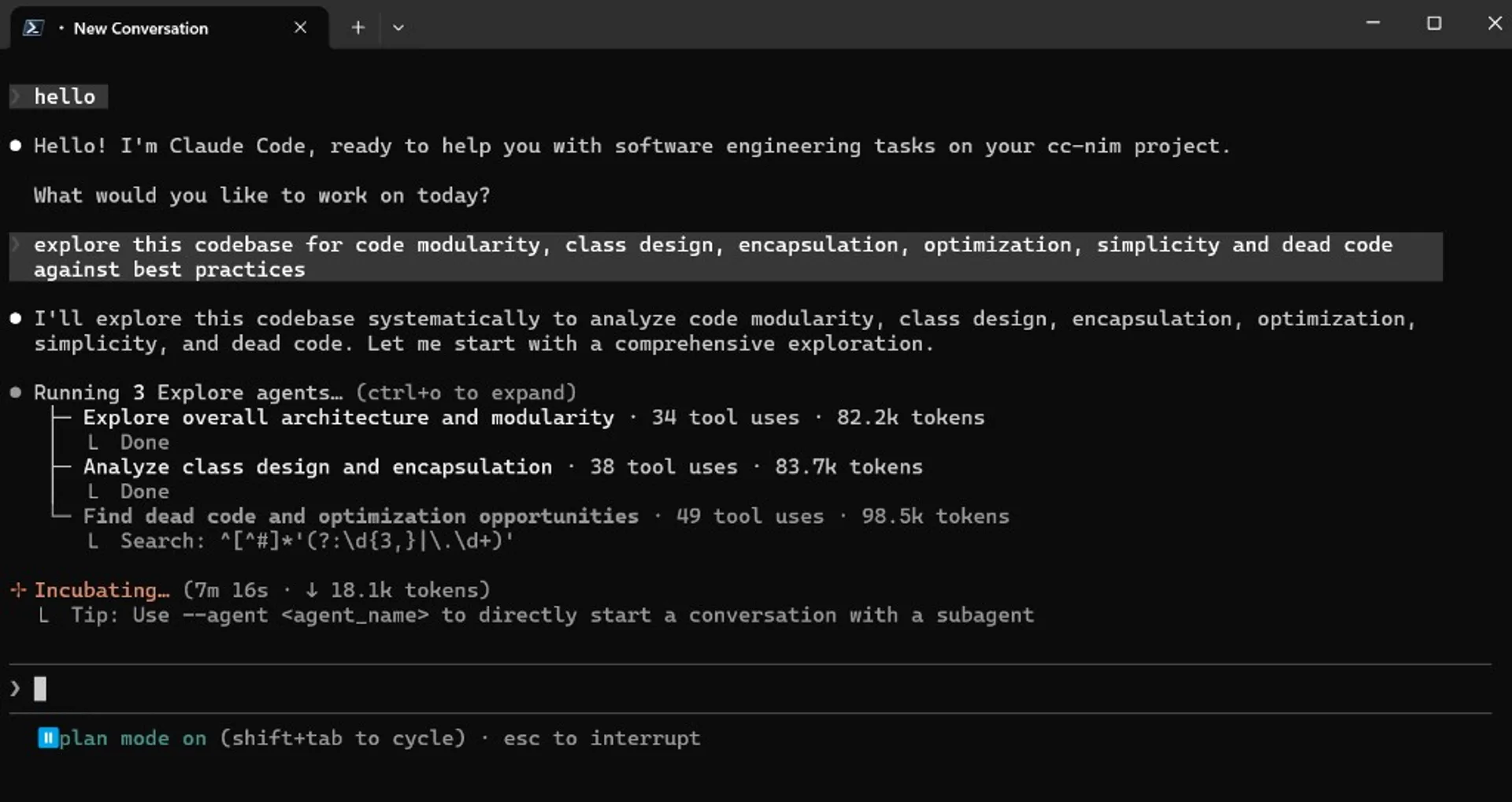
$env:ANTHROPIC_AUTH_TOKEN="freecc"; $env:ANTHROPIC_BASE_URL="http://localhost:8082"; claudeKey detail from the repo docs: use the root URL http://localhost:8082, not /v1.
VSCode and IntelliJ configuration
You can keep extension-based workflows too:
- VSCode: set
ANTHROPIC_BASE_URLandANTHROPIC_AUTH_TOKENinsideclaudeCode.environmentVariablesinsettings.json, then reload extensions. - IntelliJ: update the agent
envblock in JetBrains config as shown in the repo README.
If the extension still opens Anthropic billing/login pages, the repo guidance says you can ignore that once the proxy is running and env is correctly configured.
Security, privacy, and risk notes
“Free” usually means extra operational and security responsibility. At minimum:
- Do not expose your proxy port publicly without auth.
- Set
ANTHROPIC_AUTH_TOKENand rotate it periodically. - Never commit
.envand avoid leaking keys in logs/chats. - Classify sensitive code/data: for high-sensitivity work, prefer local backends (LM Studio/llama.cpp) over cloud free tiers.
Critical caveat: this is a fast-moving community repo, not an official Anthropic or NVIDIA product. Audit code, issues, and release activity before adopting it for sensitive workflows.
Real trade-offs: speed, quality, stability
Your “no free lunch” instinct is correct. Typical trade-offs include:
- Rate limits: free tiers can hit 429 quickly on long sessions.
- Latency overhead: proxy translation and streaming mapping can add delay.
- Tool-calling behavior: different models can produce weaker or noisier tool-call plans.
- Catalog volatility: free models, quotas, and naming can change unexpectedly.
- Semantic drift: Claude Code UX remains, but backend reasoning style may differ from native Claude models.
If your workflow includes large refactors, migration planning, or multi-step agent tasks, benchmark seriously instead of judging from small prompts.
Testing checklist before daily use
Use this small matrix to decide if the setup is ready for your real workflow:
| Test area | Goal | Quick measurement |
|---|---|---|
| Latency | End-to-end response speed for chat and tools | Measure completion time across 10 equal prompts |
| Code quality | Patch correctness and usefulness | Count lint/test failures on identical tasks |
| Stability | Long-session reliability | Run 30-60 minute sessions and track 429/disconnect rate |
| Tool use | Accuracy of tool selection and sequencing | Test 5 tasks requiring shell + git + tests |
| Cost | Actual savings over paid API usage | Compare weekly usage with your previous paid setup |
With this data, you can decide if Free Claude Code is best for learning, side projects, or partial production support.
Sources
Local AI Masterclass: LLMs, Diffusion & AI-Agents on Your PC
Available at Udemy — a broader local-AI learning path (LLMs, diffusion, agents) that complements this setup guide. Course title, curriculum, and price can change; verify details on the merchant page before purchase.
View course on UdemyFrequently asked questions
Does this mean I get Claude models for free?
Usually no. You keep the Claude Code client UX, but token generation comes from whatever backend model you configured via the proxy.
Can this be used for serious development work?
It can, but only after benchmark validation on latency, reliability, and tool-calling quality for your actual workload.
Why do I still see Anthropic login or billing pages in the extension?
According to the repo documentation, this can happen even when the proxy setup works. If your environment variables are correct and proxy is running, extension functionality may still be operational.
Which provider should I start with?
For fastest initial setup, NVIDIA NIM is a practical first choice. For stricter privacy requirements, start with LM Studio or llama.cpp local backends.
This repo evolves quickly. Re-check README, environment variables, and model names before you automate team-wide scripts.