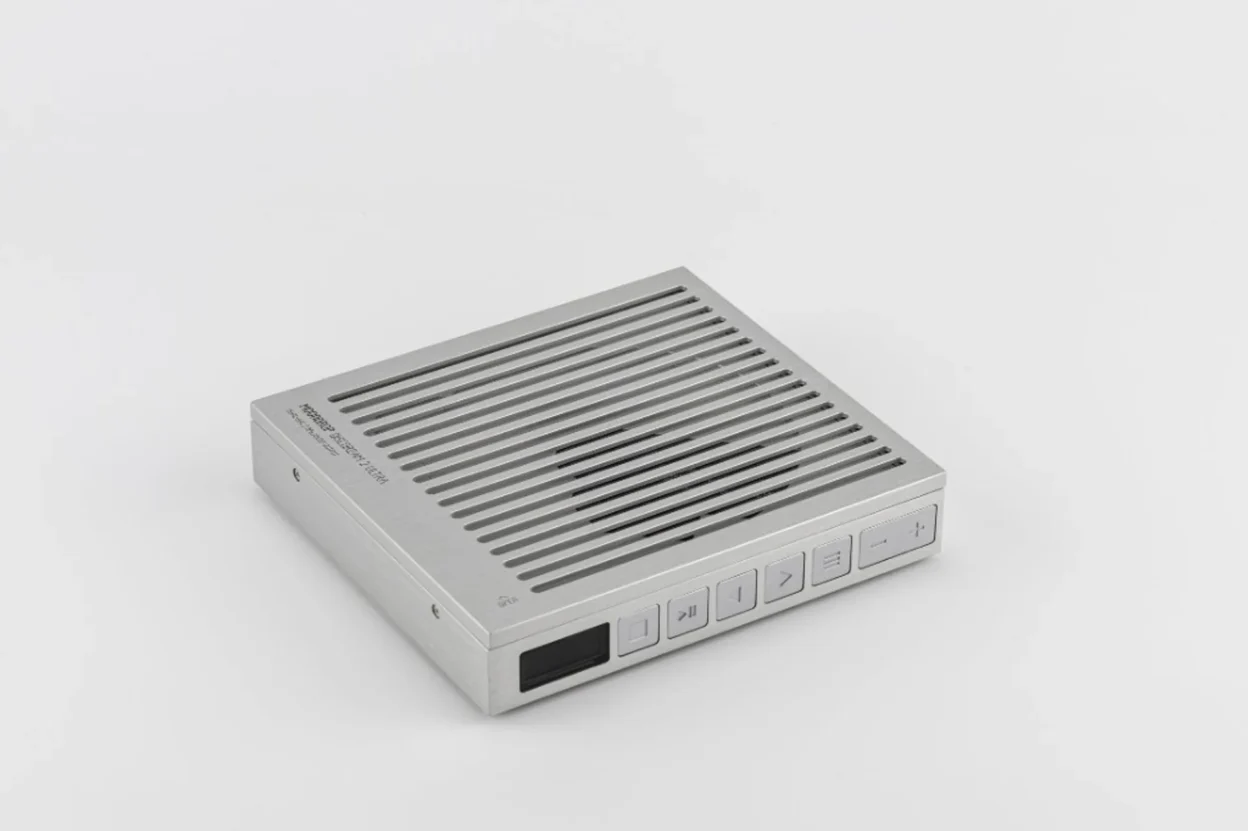
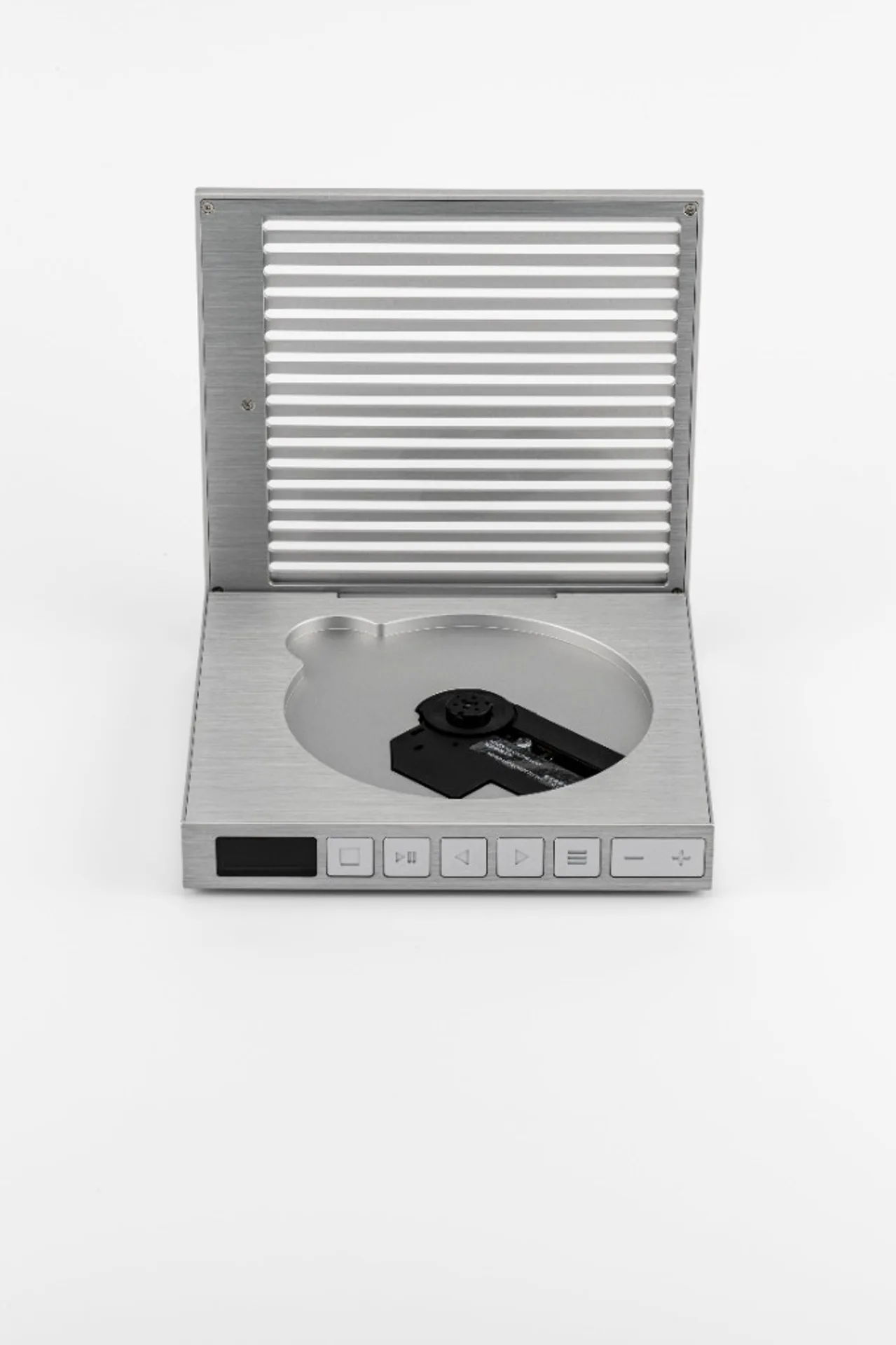
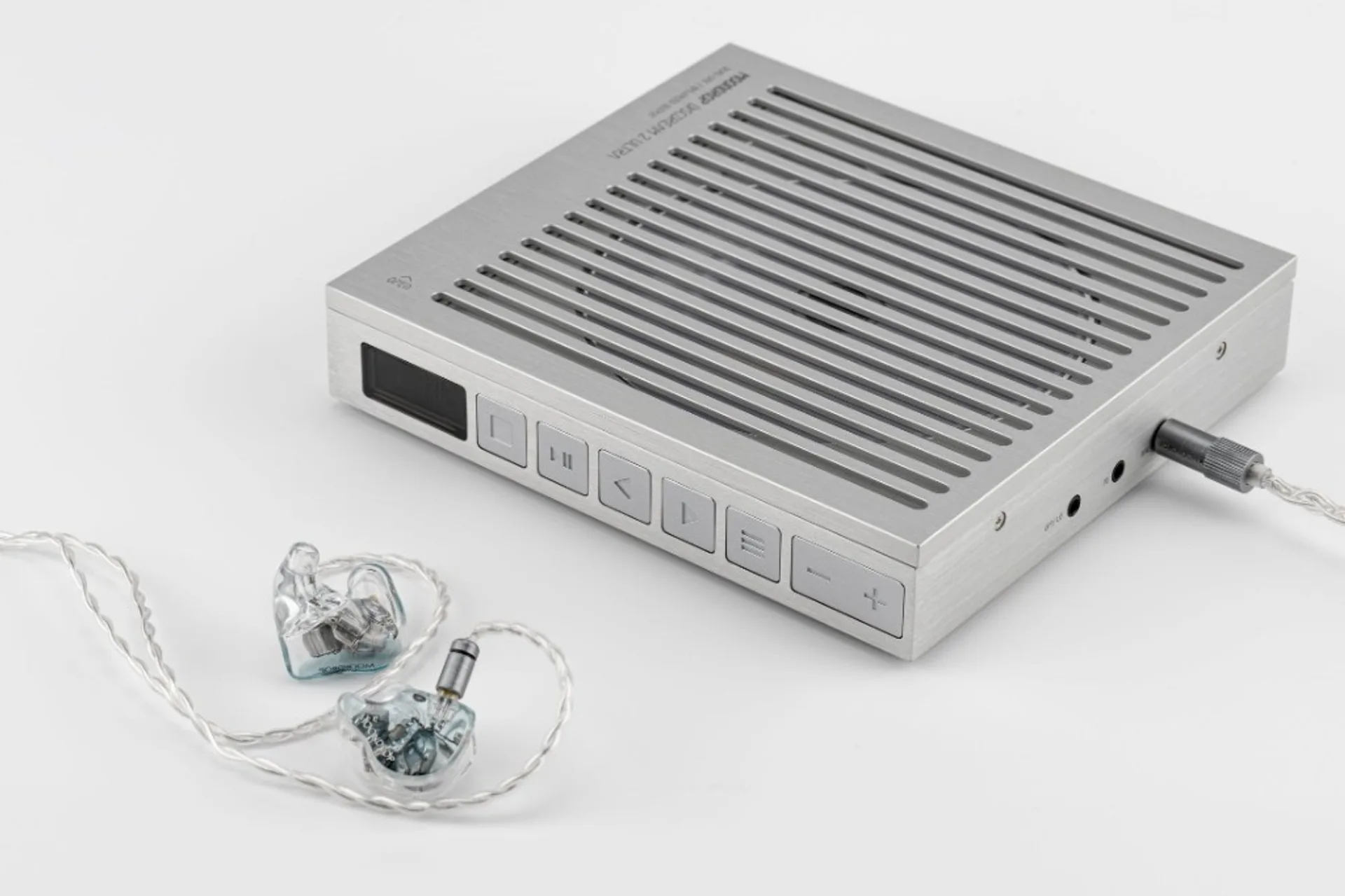
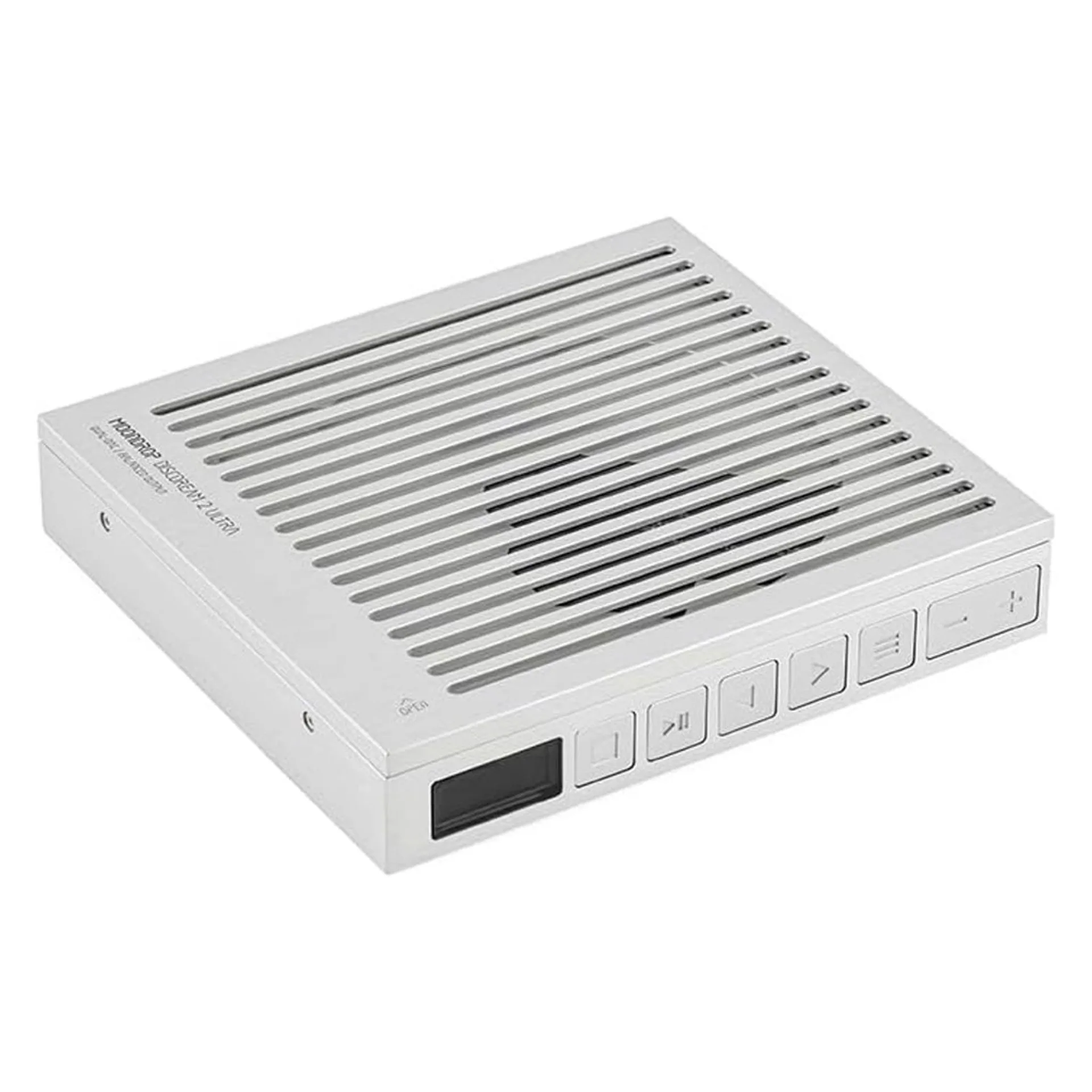
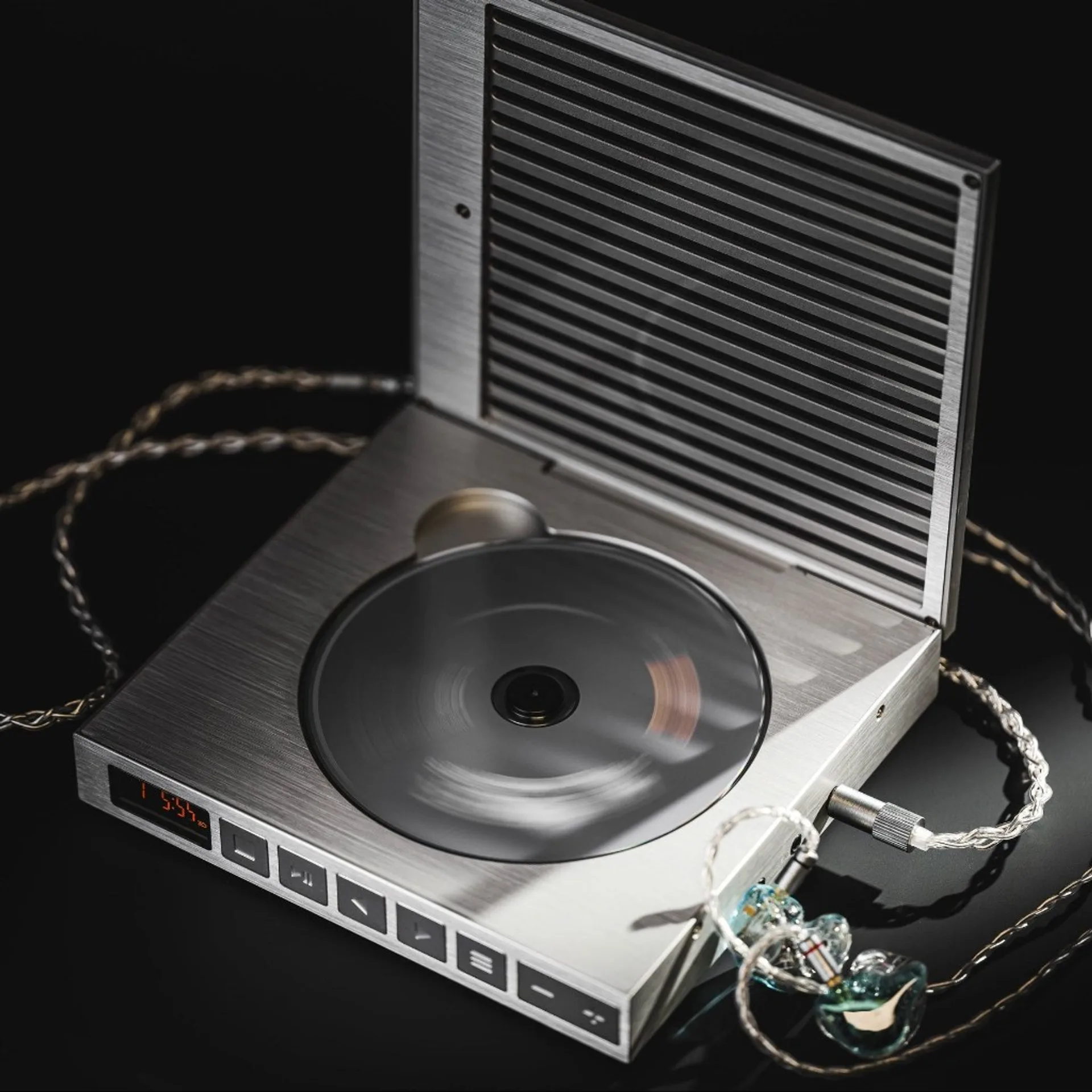
The Moondrop DISCDREAM2 Ultra is the up-market slot in the second-generation DISCDREAM 2 line: a top-loading portable CD player that also behaves as a USB DAC / headphone stage when you plug the chassis into a computer or tablet. Moondrop’s published spec table spells out battery, charge rate, headphone power into 32 Ω, RMS output voltages, Red Book disc support, USB sample-rate limits, and THD plus dynamic range split by USB mode versus CD mode. The job here is to read those numbers for what they imply at the desk and on the sofa: which path is the “reference” tap, where the disc transport still costs you performance on paper, and when the multifunction 3.5 mm socket earns its keep as line plus optical output.
Battery: 3500 mAh, 8 h quoted life in CD playback, 5 V / 2 A USB‑C charging. Headphone outs: 4.4 mm balanced (222 mW into 32 Ω) and 3.5 mm single-ended (112 mW into 32 Ω). Voltage headlines: 4 Vrms balanced out, 2 Vrms single-ended and line out. Discs: CD / CD‑R / CD‑RW only. USB audio: PCM 44.1 kHz–384 kHz; DSD from 2.8224 MHz through 11.2896 MHz (that span is DSD64–DSD256 in common naming). THD @ 1 kHz: 0.00058 % in USB mode versus 0.00177 % in CD mode. Dynamic range (balanced): 131 dB in USB mode versus 93 dB in CD mode.
Two jobs in one chassis
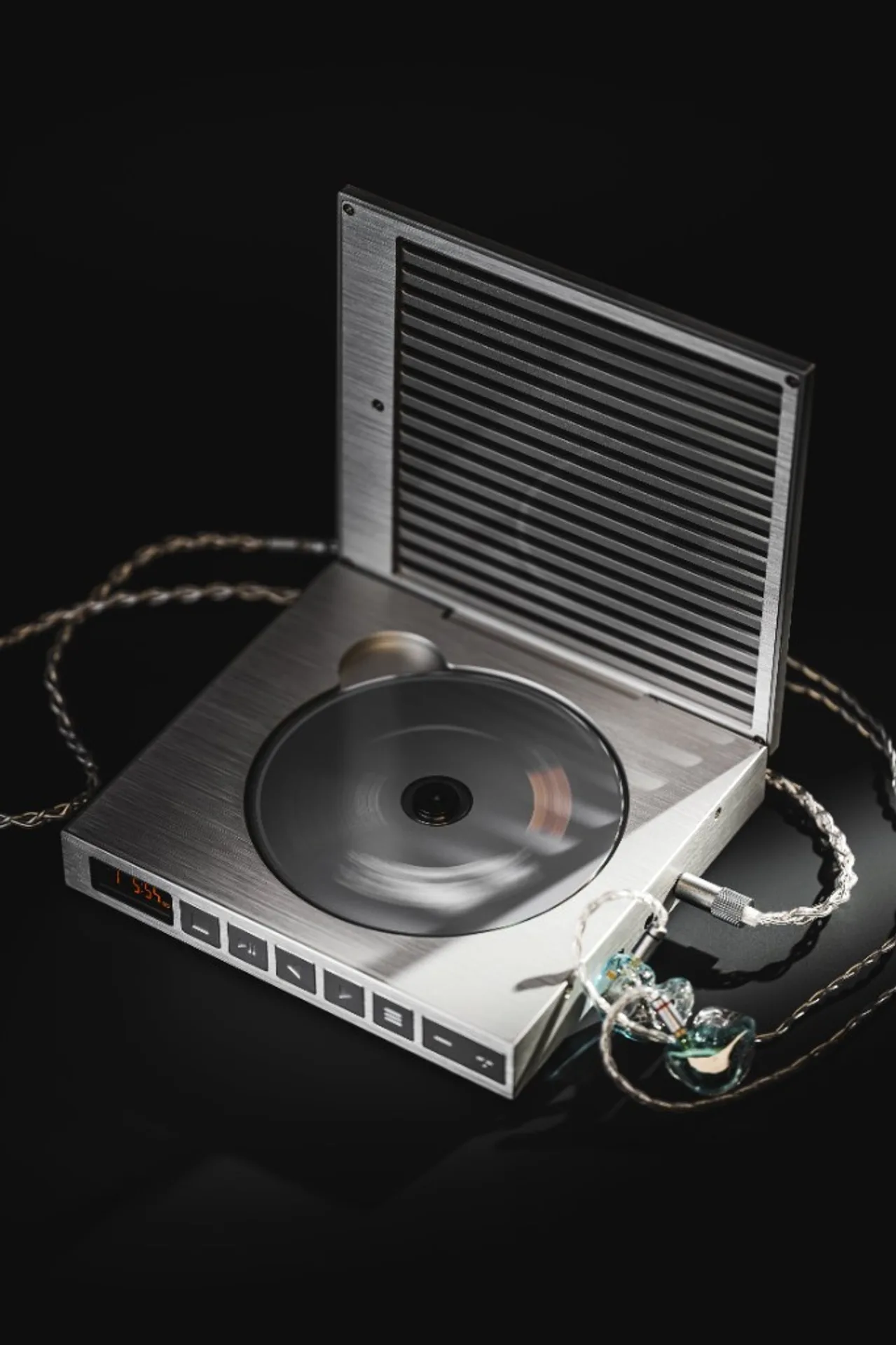
Moondrop’s marketing story for DISCDREAM 2 stresses cross-era circuit thinking: old physical format, modern measurement targets. The Ultra SKU is the version that adds a balanced headphone tap and publishes the stronger USB-side objective figures. Treat it mentally as three devices sharing one power supply: a Red Book CD spinner with analogue line capability, a USB audio interface with high-rate PCM and native DSD support, and a modest integrated headphone amplifier for IEM work and lighter full-size loads.
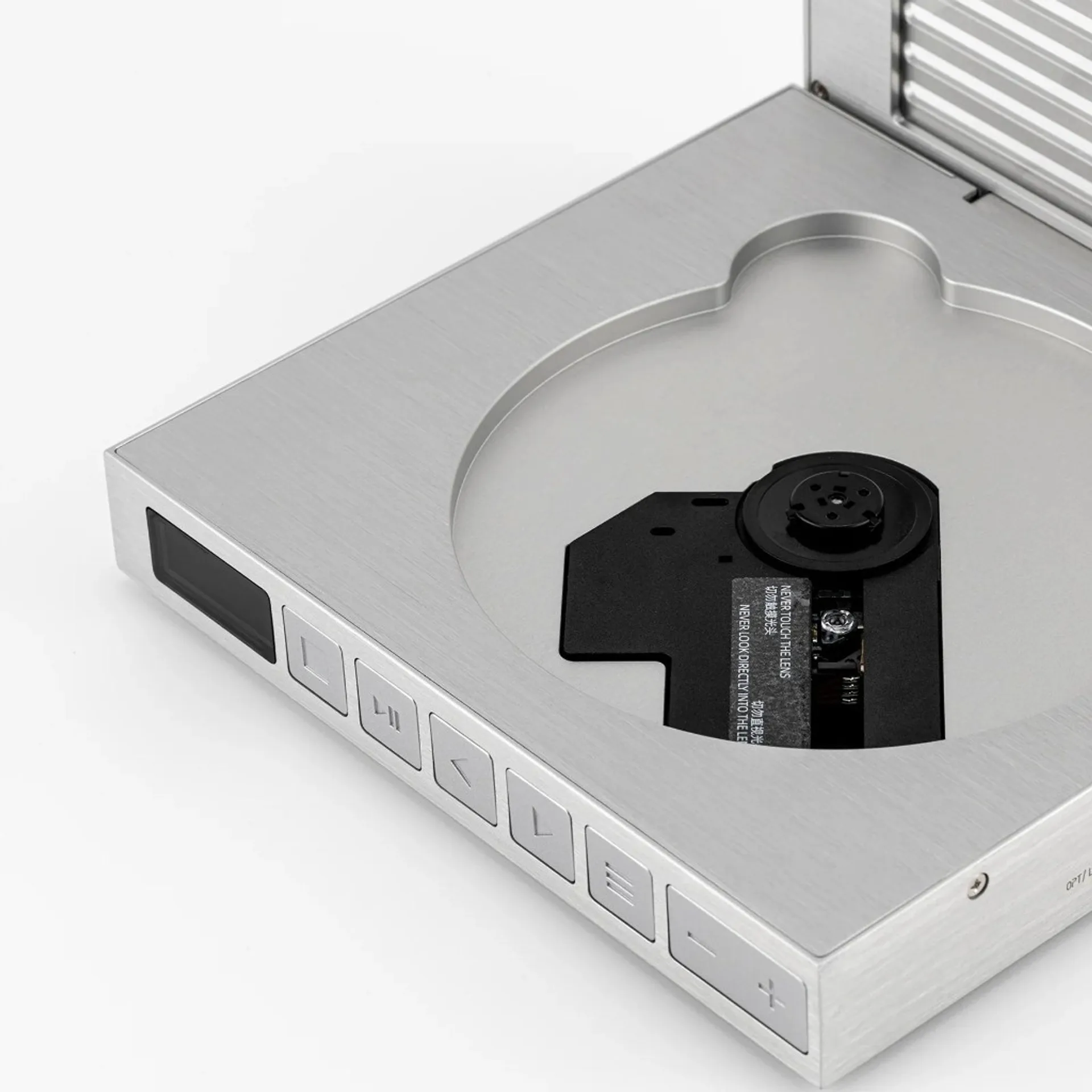
If your priority is ripping discs to files, this category of machine is the wrong tool shop for a chassis that advertises capture in the listing bullets, not just playback. DISCDREAM2 Ultra is pitched at listening and desktop routing, not archival workflow.
Headphone power and the Vrms lines
Moondrop rates 222 mW balanced and 112 mW single-ended into 32 Ω at the headphone jacks. That is enough voltage swing for most in-ears and many portable dynamic headphones to reach uncomfortable levels before the amp clips. It is not desktop-planar territory; hungry loads belong on a separate amp fed from the published 2 Vrms single-ended line mode or the 4 Vrms balanced headline, depending on how you route the multifunction output in your chain.
The 4 Vrms / 2 Vrms figures describe line-level headroom at the labelled outputs, not the same thing as “how loud your 300 Ω cans will play from the 4.4 mm jack.” Into a fixed resistive load, power scales with the square of voltage; Moondrop’s explicit mW @ 32 Ω lines exist so you do not have to back-solve the headphone stage from RMS volts alone.
USB vs CD on THD and dynamic range
The published THD split is instructive: 0.00058 % at 1 kHz in USB mode versus 0.00177 % in CD mode, both presumably taken at the same class of output tap Moondrop used for the table. The USB number is in the same league as serious desktop DAC boards; the CD number is still low in absolute terms but roughly three times higher on paper. That is what you expect when the optical pickup, servo, and digital filter chain sit in front of the DAC instead of a packetised USB source.
Dynamic range is where the two modes diverge dramatically: 131 dB balanced in USB mode against 93 dB balanced in CD mode. Those are not “small EQ differences”; they say the USB-fed converter path is the one Moondrop wants you to treat as the measurement showcase, while the spinning-disc path carries the physical realities of read noise, tracking, and error concealment that cap how quiet the noise floor can look on a bench plot. In listening terms, quiet classical passages and fade-outs are where that gap tends to show up first — not because a spec sheet whispers in your ear, but because 38 dB of stated DR margin is a big chunk of air between noise and signal.
Outputs: phones, line, and optical from one jack
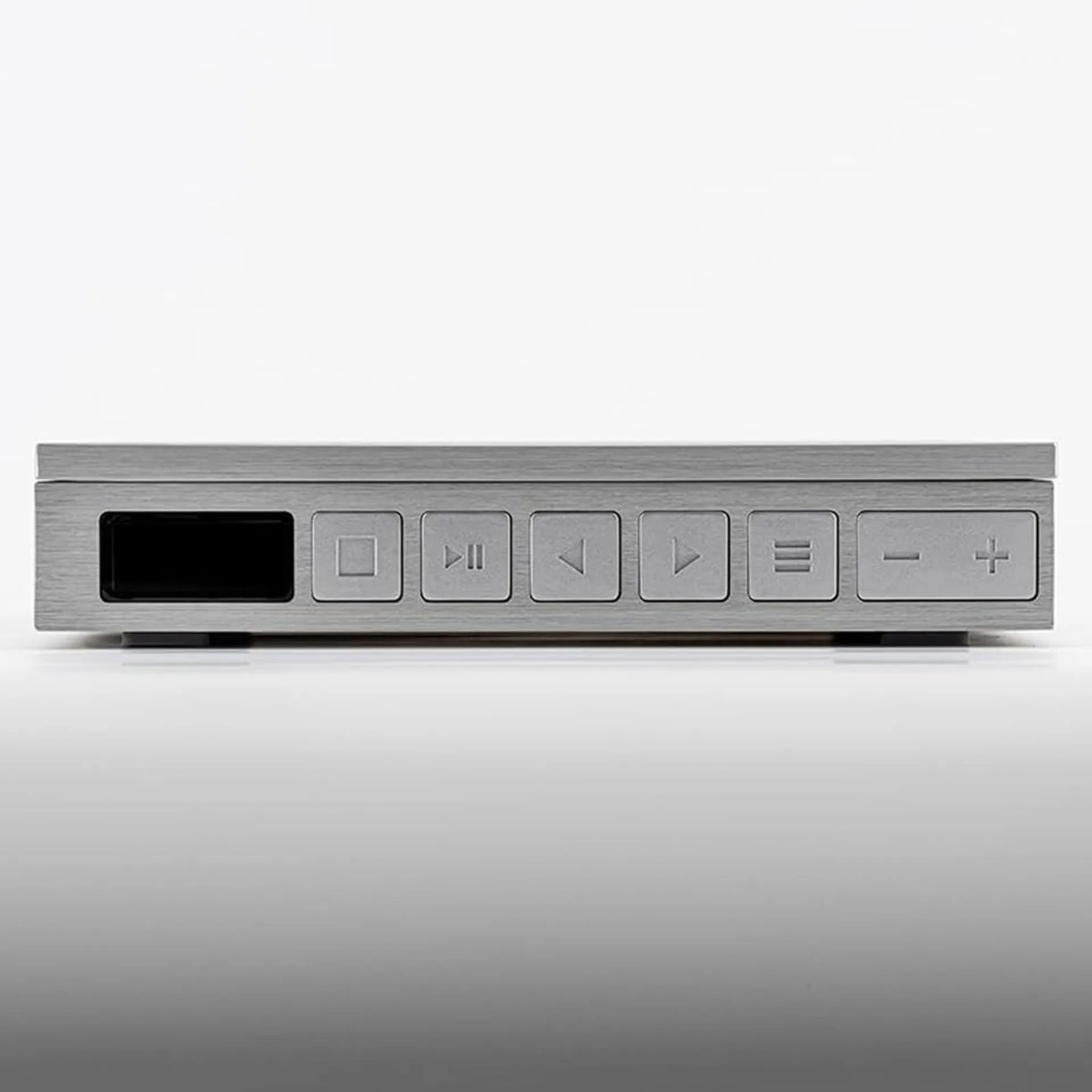
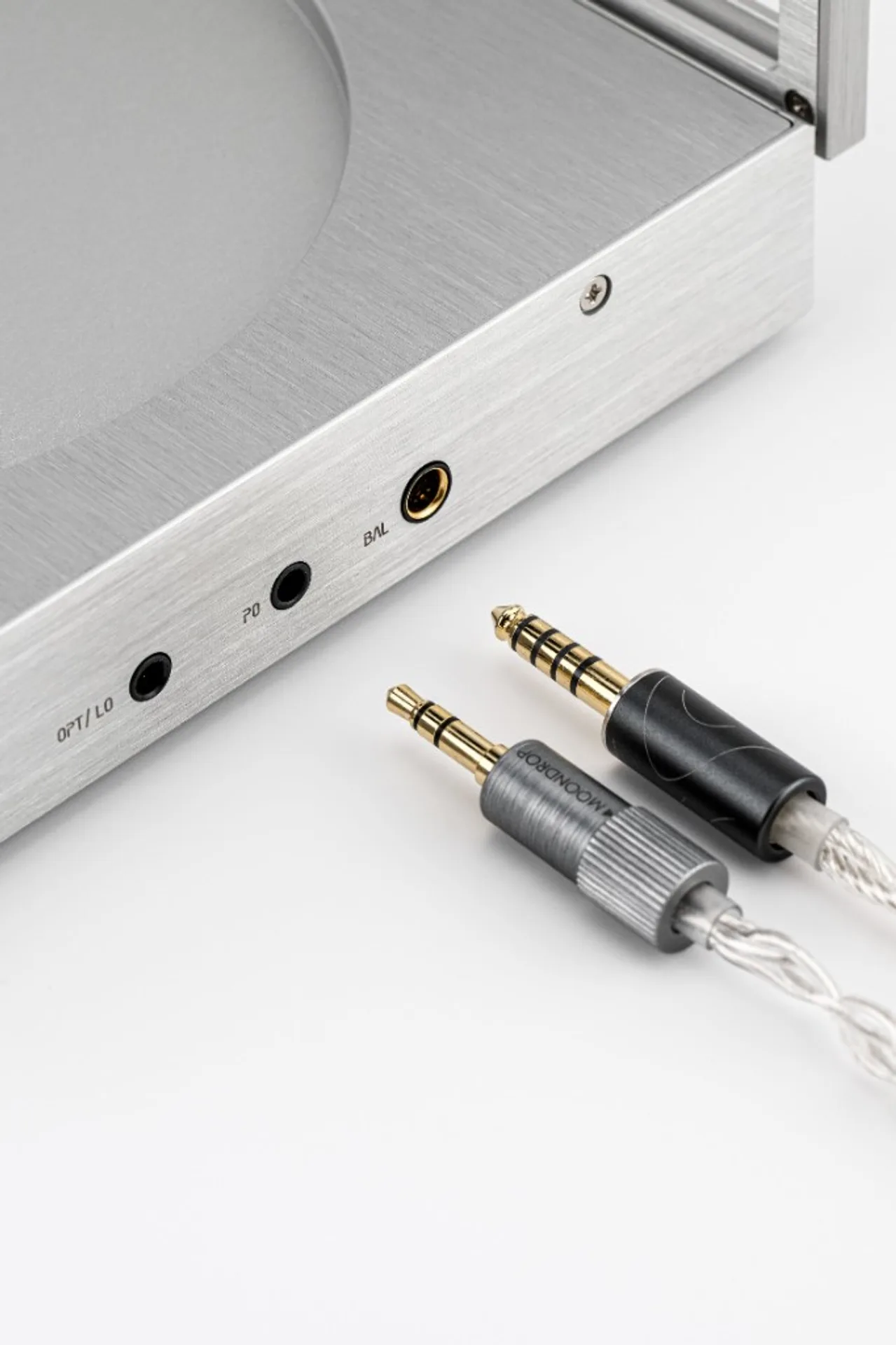
Moondrop lists 4.4 mm balanced and 3.5 mm single-ended headphone outputs plus a 3.5 mm multifunction port labelled LO+OPT — combined line out and optical digital from one mini jack, switchable in software or hardware depending on how Moondrop implemented the mode (confirm in the user guide before you force adapters). In practice that socket is what turns the Ultra into a CD transport for an external DAC with Toslink input, or a fixed-level analogue source for powered speakers and integrated amps, without giving up the internal headphone taps for late-night IEM duty.
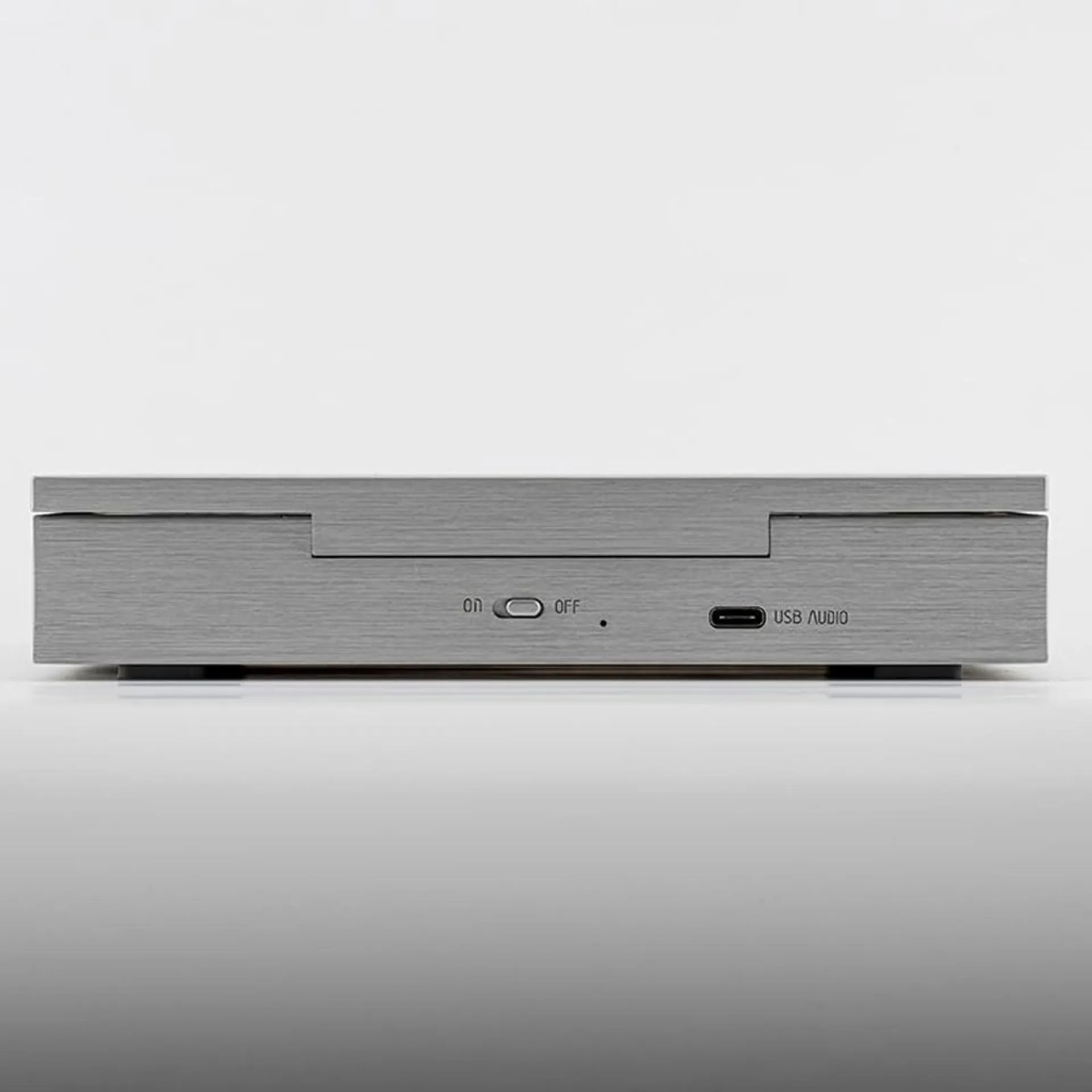
USB‑C on the rear handles charging and USB audio roles; the sample-rate banner (PCM to 384 kHz, DSD256) applies to that digital input, not to the spinning disc, which remains a 44.1 kHz / 16-bit Red Book payload under normal CD playback.
Battery and charge budget
3500 mAh with 8 hours quoted for CD playback is a believable pairing for a transport with motor, laser servo, display, and analogue stages — assuming moderate volume and a stable surface. The 5 V / 2 A charge brick class means you can run from wall power while topping up; treat the figure as a minimum supply label, not a guarantee your laptop port will always deliver full current under load.
FAQ
Should I expect CD mode to measure like USB mode?
Moondrop’s own table says no: lower dynamic range and slightly higher THD in CD mode are normal when a manufacturer is honest about disc read versus packet digital sources feeding the same converter family.
What does the DSD range 2.8224–11.2896 MHz mean in plain labels?
Those corner frequencies map to DSD64 through DSD256 base rates. There is no promise here of MQA or proprietary wide containers — just standard DoP/native-style limits as Moondrop publishes them for USB.
Can I use the Ultra only as a CD transport into my existing DAC?
On paper, yes: the LO+OPT multifunction jack is how you feed an external converter. Confirm optical vs line mode, supported cable adapters, and any volume defeat behaviour in the PDF guide before you wire it into expensive inputs.
Does this page quote street price?
No. This guide centres on electrical and format claims from the manufacturer sheet. For street price, bundle inclusions, and return windows, use the Amazon module above and read the live listing details.
Note: If the factory refreshes the spec sheet or firmware behaviour, the paper manual in the box and the Amazon listing Q&A usually update before third-party summaries catch up. Reconcile LO+OPT adapter requirements against what ships with your unit.