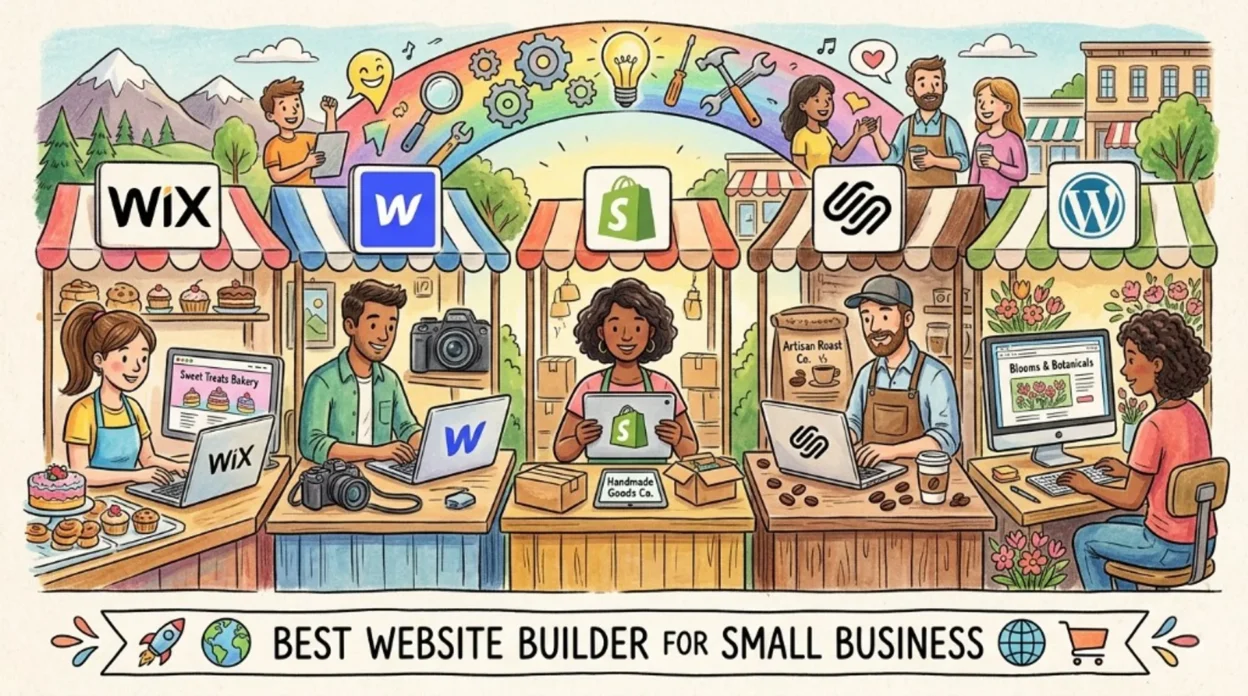
There is no single “best” website builder for every small business in 2026. The right choice depends on whether you are selling products online, booking services, publishing content, or mostly proving legitimacy with a brochure site. This guide compares major platforms using published pricing and feature lists from official sources where available, flags where prices vary by country, and explains the hidden costs SMBs overlook: payment processing, apps, renewals, and migration. Many builders now market AI-assisted setup and copy; before you trust vendor claims, it helps to know how those tools fit the broader picture of what AI is in 2026 and what generative AI actually does.
How small businesses should choose
Match the platform to your primary revenue path, not to the slickest demo.
- Products + checkout + shipping + inventory: A dedicated commerce stack usually wins over a generic site builder bolt-on.
- Leads, appointments, portfolio, local SEO: All-in-one builders with forms, maps, and fast templates reduce time-to-launch.
- Blog-heavy or landing-page programs at scale: A real CMS (collections, fields, publishing workflow) matters more than drag-and-drop novelty.
- In-house technical skill: Visual builders trade learning curve for speed; more control (for example Webflow) assumes someone can own the implementation.
If you are evaluating vendors that promise “AI-powered” everything, skim 7 AI terms you actually need to understand so feature lists are easier to parse.
Platform comparison (figures from official or cited sources)
Note: Currency and promotions differ by region. Always confirm checkout pricing in your country before budgeting.
| Platform | Published pricing anchor | Best SMB fit | Primary source |
|---|---|---|---|
| Wix | $17 (Light) to $159/mo (Business Elite), per Wix blog breakdown | General business sites, bookings, ecommerce from Core upward | Wix blog (see Sources) |
| Webflow (Site plans, yearly) | $14 Basic, $23 CMS, $39 Business (USD per site) | Marketing sites, blogs, design-heavy brands | webflow.com/pricing |
| Shopify | Varies by location; annual billing discounts; third-party payment fees apply by plan | Online-first retail, omnichannel, app ecosystem | shopify.com/pricing; Shopify Help Center |
| Squarespace | Confirm live rates; third-party reviews often cite ~$16/mo entry on annual plans | Design-led brands, creatives, light commerce | squarespace.com/pricing; secondary: Site Builder Report |
| WordPress.com | Tiered Free / Personal / Premium / Business / Commerce; check page for current $ | Content sites wanting WordPress plugins (plan-dependent) | wordpress.com/pricing |
Wix
According to Wix’s official blog post Wix Premium plans: Which plan should you pick for your site? (byline January 12 on the live article; confirm year on Wix), paid tiers listed are:
- Light: $17/month
- Core: $29/month
- Business: $39/month
- Business Elite: $159/month
The same article lists storage as 2 GB (Light), 50 GB (Core), 100 GB (Business), and unlimited (Business Elite). It states that accepting online payments for a store requires Core or higher, and that Wix offers a 14-day money-back guarantee plus a free custom domain for the first year on paid plans. Wix also cites BuiltWith regarding scale (“more than 8.5 million websites” globally)—that figure is third-party analytics, not an independent audit by Raw Gear Lab.
SMB takeaway: Light can work for a simple marketing site; media-heavy businesses should sanity-check bandwidth and storage against Wix’s detailed plan pages before committing.
Webflow
Webflow’s public Site plans (USD, billed per site, taxes at checkout) as shown on webflow.com/pricing include:
- Starter: Free — publish to
webflow.io, 2 pages, no custom domain on that tier. - Basic: $14/month when billed yearly — custom domain, no CMS on this tier (per plan comparison on the pricing page).
- CMS: $23/month yearly — structured content for blogs and marketing programs.
- Business: $39/month yearly — higher limits for traffic and CMS volume.
SMB takeaway: Do not buy Basic if you need a blog or reusable content modules—you want CMS or above. Webflow has a steeper learning curve than template-first builders; budget time or contractor cost accordingly.
Shopify
Shopify’s consumer pricing page is localized: it may show AUD, EUR, or other currencies depending on your location, and states that “Prices may vary by your store location.” Promotions such as discounted first months also appear on that page from time to time.
The Shopify Help Center “Pricing plans and billing overview” explains that costs include not only the monthly subscription but also credit card rates (when using Shopify Payments) and third-party transaction fees when using external payment providers—rates depend on plan and region. For an accurate SMB budget, model subscription + payment fees + apps + theme.
SMB takeaway: If ecommerce is the core of the business, Shopify remains the default shortlist; just avoid quoting a single “US dollar” headline price without opening the official page for your country.
Squarespace
Squarespace is widely reviewed as a strong all-around builder for template quality and creative brands. Because automated fetches of squarespace.com/pricing do not always return numeric tables, this article does not lock Squarespace dollar amounts beyond noting that independent roundups (for example Site Builder Report, which discloses affiliate support) have cited entry annual pricing around $16/month for personal sites and higher tiers for commerce without transaction fees.
SMB takeaway: Use Squarespace’s live pricing page at purchase time and read commerce transaction fees on lower tiers if you sell online.
WordPress.com
WordPress.com offers Free, Personal, Premium, Business, and Commerce plans with different storage limits and capabilities (including plugin support on higher tiers). Dollar amounts can display dynamically by region; confirm the cart before publishing a budget.
SMB takeaway: Strong when you want managed WordPress hosting with Automattic’s stack; compare plugin needs against each plan’s rules.
Budget builders & caveats
Hosts such as Hostinger advertise very low introductory website-builder pricing (review sites have cited roughly $2.99/month with multi-year commitments and higher renewals). Those offers can be legitimate but require reading renewal rates, contract length, and migration effort—low-cost bundles are often a closed ecosystem, meaning switching platforms later can mean rebuilding pages.
SMB takeaway: Cheap first-year pricing is not wrong, but TCO over three years matters more than the headline on the landing page.
AI features & what to verify
Builders increasingly advertise AI site generation, copy suggestions, and image tools. Treat those as accelerators, not substitutes for clear positioning, accessibility, and legal compliance (privacy, refunds, industry rules). Understanding conversational AI helps when vendors bundle chat widgets or support bots. If you rely on Google’s ecosystem for ads or analytics, What Is AI Studio? situates Google’s tooling separately from your site host. For Microsoft-centric teams, Microsoft AI and Copilot is the relevant primer. Cloud-heavy SMBs comparing hosting or APIs may cross-read Google Cloud AI tools—orthogonal to picking Squarespace vs Shopify, but useful when your site integrates backend services.
FAQ
What is the best website builder for a small business in 2026?
It depends on your primary goal. Online retail usually leads to Shopify or a dedicated ecommerce platform. Brochure sites and service businesses often fit Wix or Squarespace. Design-controlled marketing sites with structured content may fit Webflow CMS. Always confirm current pricing on the official site for your country.
How much does a small business website cost per month in 2026?
Published builder subscriptions often fall roughly in the mid-teens to low tens of dollars per month on annual billing for entry paid tiers (for example Wix Light at $17/mo per Wix’s blog, Webflow Basic at $14/mo yearly per Webflow). Total cost usually adds payment fees, apps, email, and domain renewal.
Wix vs Squarespace vs Shopify: which wins?
Shopify wins when selling products is the center of the business. Squarespace often wins on template polish for creative brands. Wix offers broad vertical features (bookings, restaurants, etc.) and explicit tiering from $17 to $159/mo on Wix’s published plan list.
Is Webflow good for small business?
Yes, when you need pixel-level layout control and a real CMS. It is weaker as a rushed choice for teams with no time to learn the tool. Remember: Webflow Basic ($14/mo yearly) does not include CMS—choose CMS ($23/mo) or higher if you publish lots of structured pages.
Do I need AI to build a small business website?
No. AI assistants can speed up drafts and layouts, but you still need accurate business facts, accessible design, and compliant content. See generative AI basics for what those tools can and cannot guarantee.
Can I switch website builders later?
Often not a one-click export. Expect to rebuild templates and reconnect integrations. Pick a builder with acceptable lock-in risk for your three-year plan.