
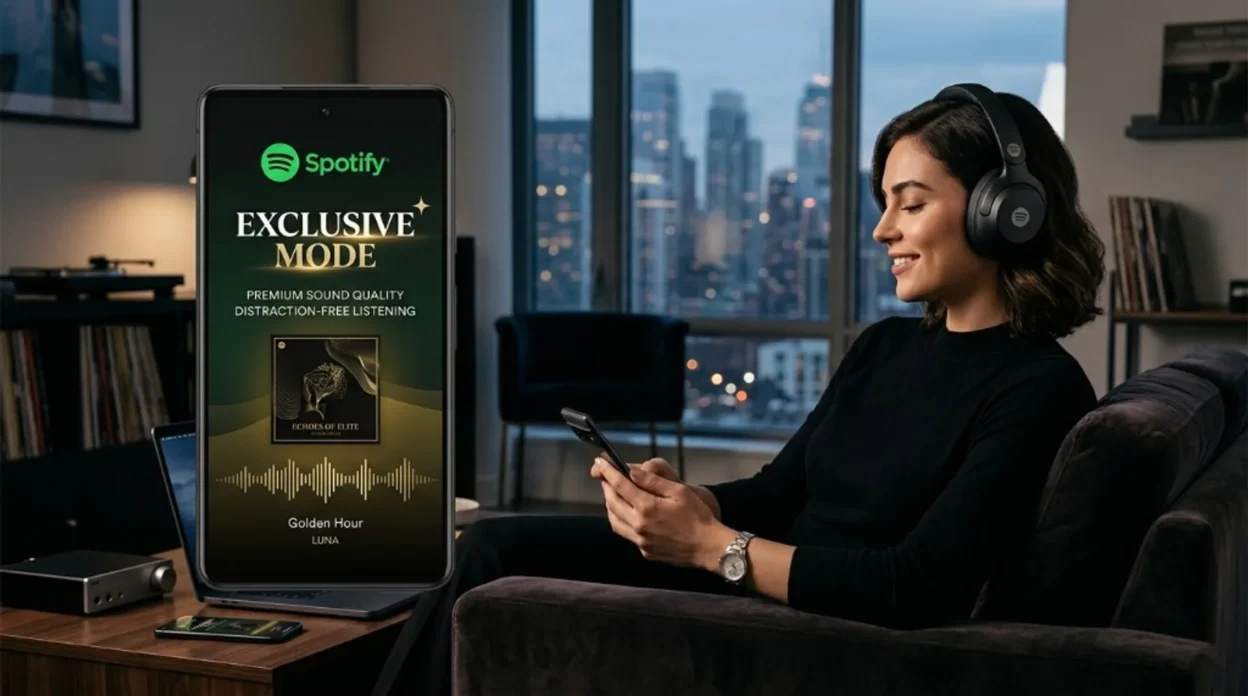
Spotify is huge, and it was late to lossless. Now it’s doing something unexpected: Exclusive mode on the Windows desktop app – handing the stream straight to your DAC so Windows doesn’t touch the bits first. Small toggle. Big deal if you actually plug in a converter.
Why this was a surprise
Spotify is still the world’s largest streaming service. It’s also the one that, for years, let Apple Music, Tidal, Amazon Music, Qobuz, and Deezer wave the hi-res flag while it topped out at “good enough” for most people.
Lossless tiers finally showed up – notably without a price bump, which mattered – but that was table stakes. What wasn’t expected was Spotify caring this much about what happens after the bits leave the app on a desktop.
That’s where Exclusive mode lands. Almost no marketing noise. Very “if you know, you know.”
What Exclusive mode actually does
In normal listening, Windows is in the middle of everything: mixer, system sounds, sample-rate fiddling, volume DSP. Your DAC might still sound fine – but the path isn’t sterile.
Exclusive mode tells Spotify to take ownership of the output device so the stream can run bit-perfect when the file allows it – Spotify documents playback up to 24-bit / 44.1 kHz FLAC for this path.
The company’s own line: it’s “ideal for listeners with external audio equipment (like a DAC or audio interface) who want the purest possible sound.” Translation: this isn’t for your laptop speakers. It’s for people who already bought the box with the glowing LED.
If Exclusive mode stays off – the default, since the feature is new – Windows can still resample, mix in alerts, or reshape level before the USB cable. Exclusive mode is Spotify’s attempt to bypass that chain when you ask it to.
Windows only (Mac later)
Exclusive mode ships for all Spotify Premium subscribers on the Windows desktop app. No extra fee for the toggle.
The catch: no Mac build yet. Spotify says it’s coming to the Mac desktop app in a future release. Until then, this is a PC party – which is rare enough in hi-fi software that it’s worth saying out loud.
How to turn it on (Windows)
- Connect your external DAC or audio interface and confirm Windows sees it.
- Open the Spotify desktop app (Windows).
- Go to Settings.
- Scroll to Playback.
- Under Audio output, pick your DAC from the dropdown.
- Toggle Exclusive mode on.
If something sounds wrong, start with drivers and the device sample rate in Windows sound settings – Exclusive mode doesn’t magically fix a broken chain.
The honest take
Raw Gear Lab: This is the right kind of nerd feature – the kind that costs Spotify almost nothing to ship but buys real trust with anyone who’s ever argued about USB packet jitter at 2 a.m.
It doesn’t make Spotify catalogs match Qobuz’s depth, and it doesn’t move the needle for phone-only listeners. It does mean Spotify finally speaks exclusive output in the same sentence as Tidal and the rest – at least on one OS.
We’ll care about parity when Mac gets the same switch. Until then, if you run Windows and you already own a DAC, there’s no reason to leave free bit-path performance on the table.